EasyManua.ls Logo

VADDIO AV BRIDGE MATRIX PRO - User Manual

VADDIO AV BRIDGE MATRIX PRO
68 pages
Print Icon
To Next Page IconTo Next Page
Loading...
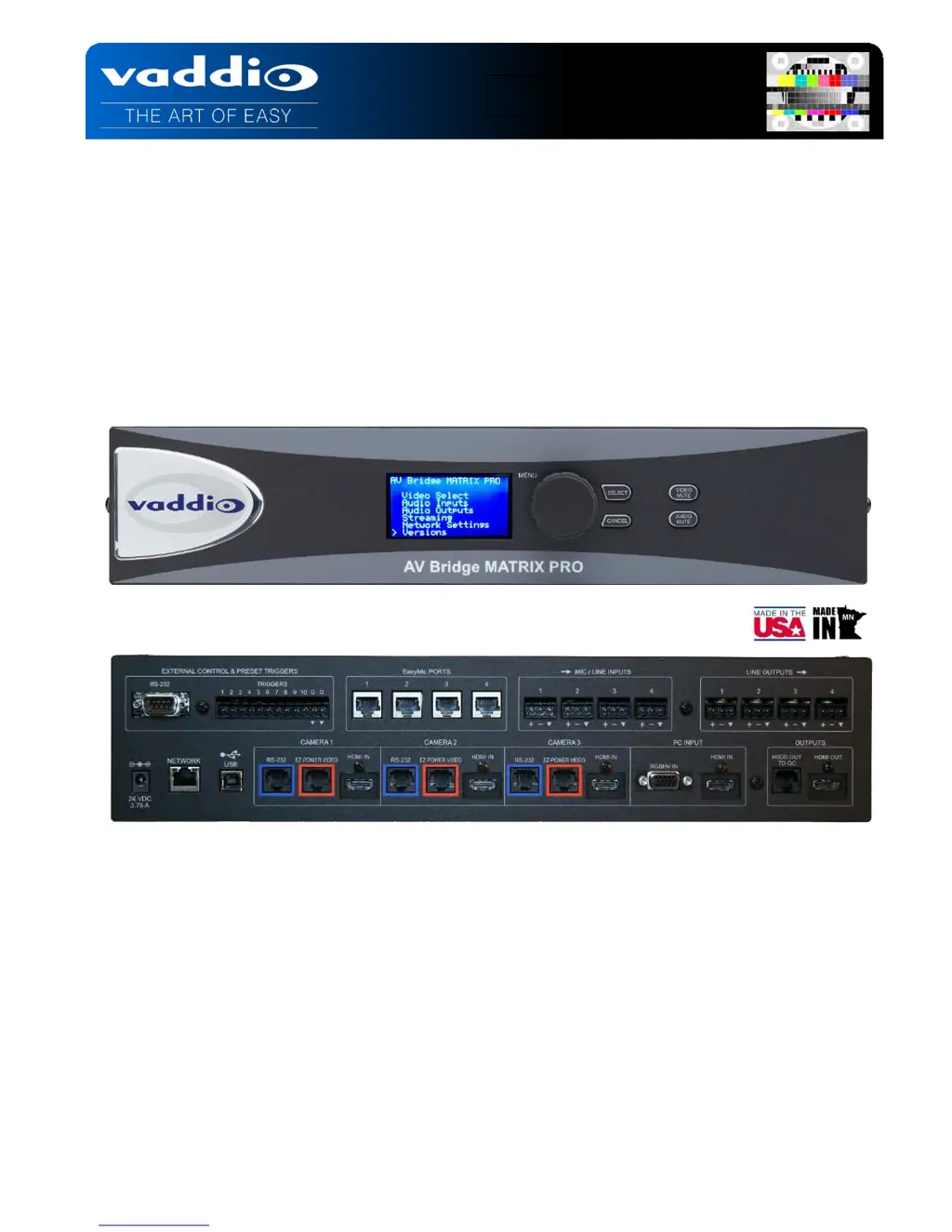
AV BRIDGE MATRIX PRO
AV Room Solution for USB/IP Applications
High Definition Integrated Camera Controller, 4 X 2 Video Switcher, 8 X 4 Audio Matrix with AEC
and Simultaneous USB and IP Streaming Capabilities
Part Number 999-8230-000 North America
Part Number 999-8230-001 International
Installation and User Guide

Other manuals for VADDIO AV BRIDGE MATRIX PRO

Questions and Answers

  • K
    Krystal PierceAug 8, 2025
    What to do if my VADDIO Conference System camera is unresponsive?
    • A
      Ashley FloydAug 8, 2025
      If your VADDIO Conference System camera is unresponsive (no video or unable to control it), the following could be the cause: * A cable might be connected to the wrong port. In this case, check and correct the cable connections. * A cable might be faulty. Try using a known good cable with the same pin-out to check.
  • D
    Debra CastilloAug 22, 2025
    Why is my VADDIO Conference System display off and the buttons don't light up?
    • J
      Julie AllenAug 22, 2025
      If the display is off and the buttons do not light up on your VADDIO Conference System, it could be due to the following reasons: * The power is not connected. Check the connections from the wall outlet to the power supply and from the power supply to the device. * The wall outlet is not active. Try using a different outlet.

Summary

Key Technical Features

Basic System Configuration

Operating the AV Bridge MATRIX PRO

Web Interface Configuration and Login

Web Page Access and Structure

Guides users on how to access and utilize the web-based configuration interface for device management.

Room UI Tab Functionality

PTZ and POV Camera Operation

Details controlling PTZ and POV cameras, including pan, tilt, zoom, and source selection.

Video Settings Configuration

Camera Video Adjustments

Details camera-specific settings like Auto Iris, White Balance, Backlight Compensation, and CCU scene management.

Audio Settings Configuration

Matrix Configuration Overview

Control Devices and Macro Programming

Streaming Settings and URL Configuration

Network Configuration and IP Settings

System Update and Firmware Management

Appendix 2: API for External Control

VADDIO AV BRIDGE MATRIX PRO Specifications

General IconGeneral
BrandVADDIO
ModelAV BRIDGE MATRIX PRO
CategoryMedia Converter
LanguageEnglish

Related product manuals