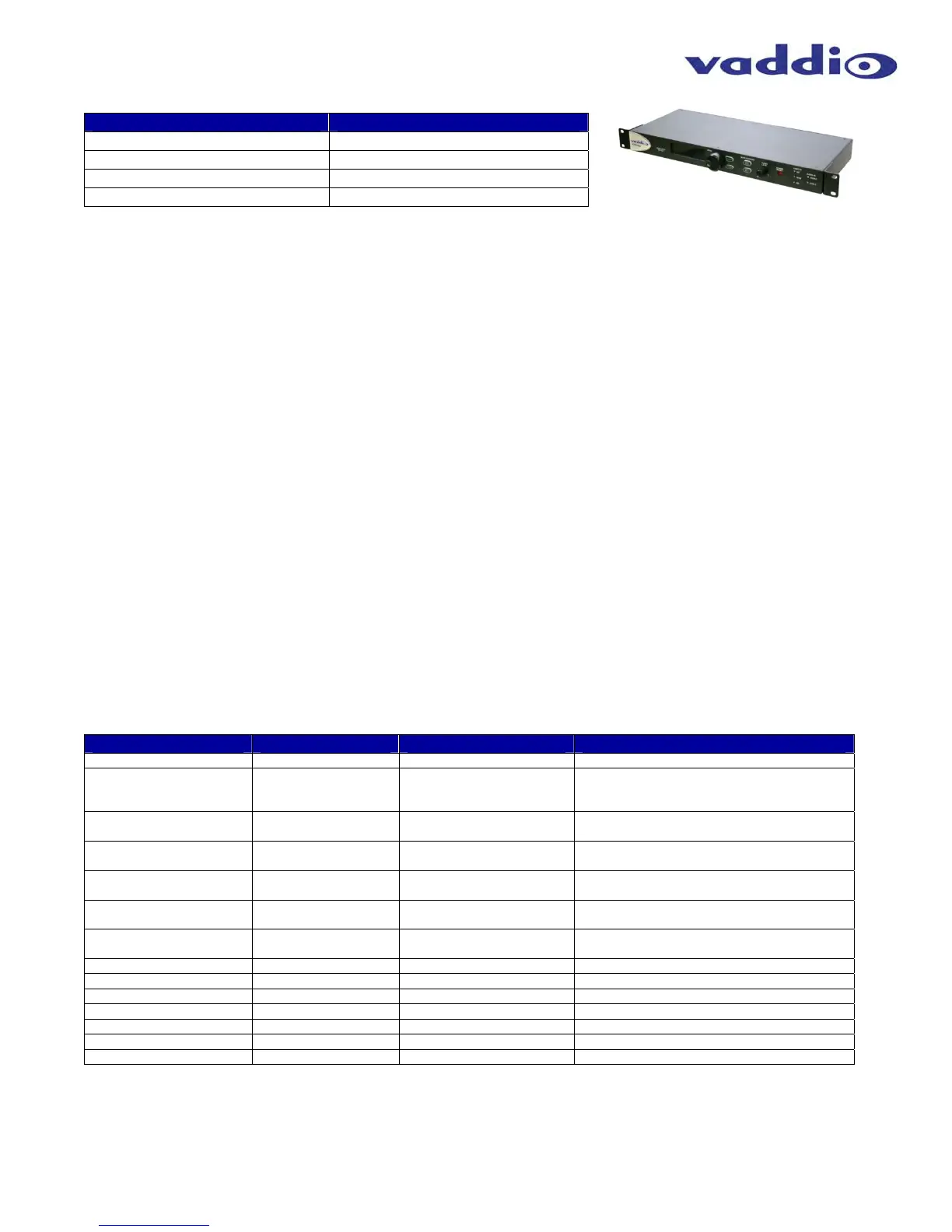
AV Bridge
Vaddio AV Bridge - Document Number 342-0518 Rev C Page 32 of 36
Release Notes - AV Bridge 2.0.0
Component Version
Database 2.0.0
Middleware 2.0.0
FPGA AV_Bridge-04/18/2013
PIC V01.00.07
New Features & Functions
RTSP or IP Streaming: Release 2.0 includes the Real Time Streaming Protocol (RTSP) capabilities for IP
Streaming of both the audio and video input source. The IP streaming is configurable within the Web Server.
Device is configured for either USB or IP streaming mode (not simultaneous).
Improved USB Video Quality: Increased color space range for USB streaming provides a more vivid image.
Improved capture resolution on the HDMI and RGBHV inputs create a sharper image.
Audio Delay Function: An audio delay function has been added to the AV Bridge. The audio delay allows users
to set an audio delay from 0 to 450msec in 30msec increments for time alignment with up steam video frame
delays.
Serial Command API: Vaddio Serial Command API has been updated adding new commands for Streaming
functions.
Fixed Issues
USB Audio/Video Sync: Corrected the problem of USB audio lagging the video stream.
Known Issues
IP Streaming: Video quality of IP stream will degrade with more than one media players connected to the
stream. This is a processor limitation on the streaming engine within the camera.
RTSP Audio & Video Sync: RTSP audio and video streams may become suspended after approximately 4 to 6
hours within a session. This can be corrected by restarting the stream in the media player.
RTSP Port: RTSP
port can be assigned as 554 or between the ranges of 1024 to 65535. Other ports are
reserved for internal purposes.
Interoperability Testing & Findings
The following interoperability testing was performed for this release. A detailed list of all interoperability findings
can be found in the EasyUSB Tools Interoperability FAQ document.
Table: AV Bridge UC Client Interoperability Testing
Software Client Tested Version Major Findings Comment
Cisco Jabber 4.4 None
Web Ex WBS 28.7 None Must have WebEx Client Version 28.7 to work
with Vaddio USB Video Products. AV Bridge
color space should be set to 4:2:0
Skype 6.0 720p only supported on
Skype Certified Camera
Workaround for HD by downloading shareware
to force HD.
Adobe Connect 9.0.1 UVC Conflict with some built
in Laptop Cameras
Improved video performance with Release
1.2.0
Microsoft Lync 4.0.7 None Improved video performance with Release
1.2.0
Gotomeeting (Citrix) 5.4 None Improved video performance with Release
1.2.0
Vidyo Desktop 2.2.1 None Certification in process with VidyoRoom
systems
Polycom M100 1.0.4 None
LifeSize ClearSea 8.2.0 None
Google Plus N/A None
Panopto 4.2.5602 None
Quick Time Media Player 10.2 None
VLC Media Player 2.0.4 None
Real Player 16.0 None



 To Next Page