Chapter 9 _____________________________________________________________Basic Settings
VAISALA _______________________________________________________________________ 51
Device Information
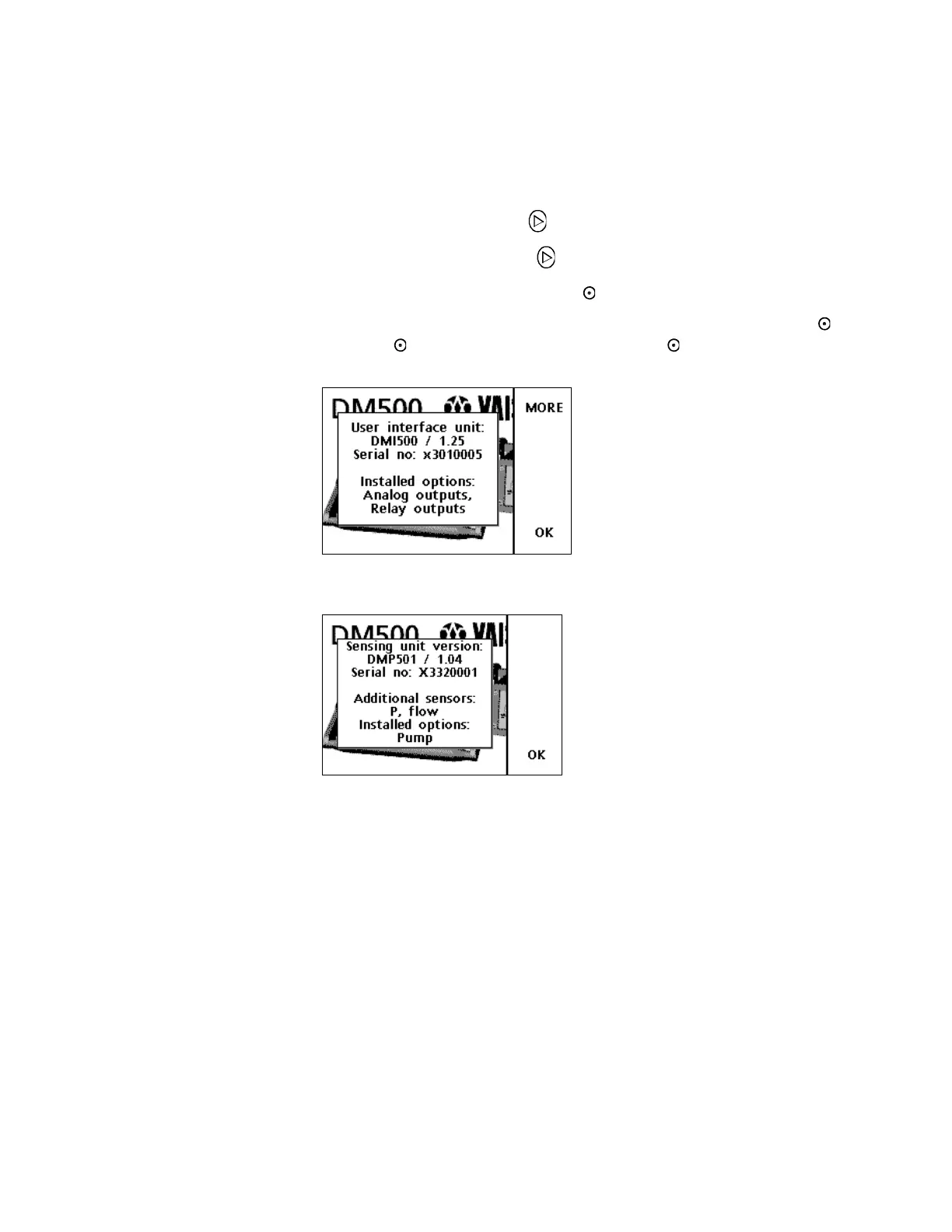
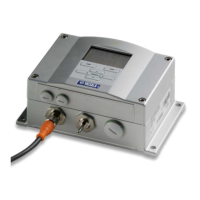
The basic information about the DM500 is found as follows:
1. Open the MENU: press .
2. Select ►Settings, press .
3. Select Device information, press SHOW.
4. The display gives the basic information on the device. Press
OK, MORE to get more information and EXIT to return to the
main view.
Figure 19 DMI500 User Interface Unit Information
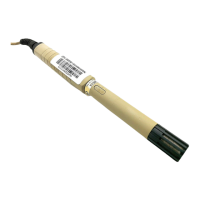
Figure 20 DMP501 Dewpoint Sensing Unit Information



 To Next Page