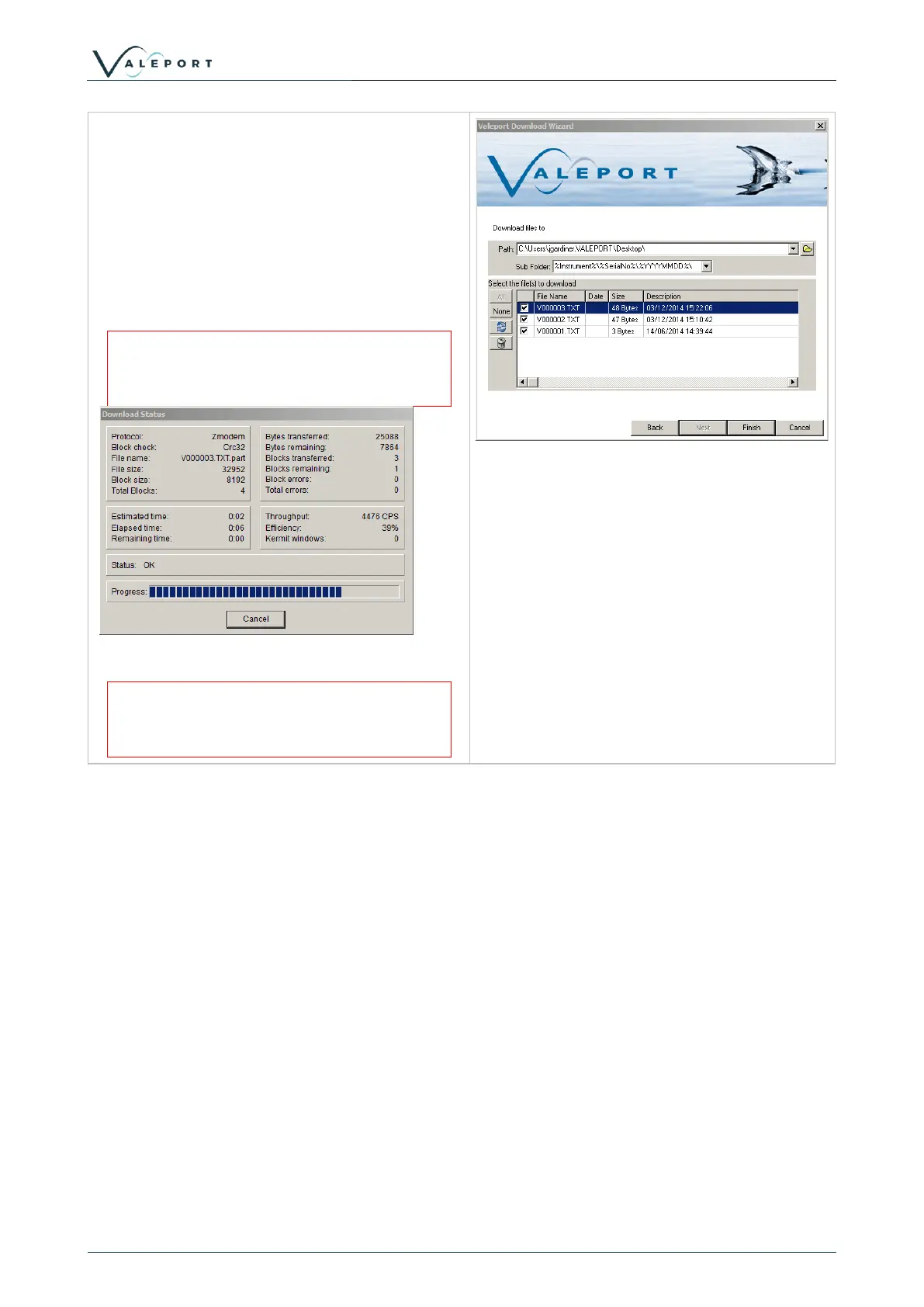
Location to download files to can be defined
here. Sub folders by instrument and date will
automatically created.
For instruments that support individual file
downloads (mini and 400 series), a file list with
check boxes will be displayed.
For older instruments such as the model
106/108/308 and the model 740, the entire
memory has to be downloaded in one
A status window will show the progress of
the download and estimated completion
time.
.
Files can be deleted by clicking on the bin icon.
There is no recycle bin. If the file is
deleted from the instrument it is gone
forever



 To Next Page