2 Installation
2.1 System Requirements:
DataLog X2 and Terminal X2 have been tested on Windows 8, 8.1 and 10.
Basic Requirements: 800MHz processor; 512MB of RAM; 1024 x 768 screen resolution; Free Disk-
space 20Mb (excluding data); IE6+ installed.
Recommended Requirements: 1 gigahertz (GHz) or faster 32-bit (x86) or 64-bit (x64) processor. 2
gigabyte (GB) RAM (32-bit) or 4 GB RAM (64-bit); 1280 x 1024 screen resolution; Free Disk-space
20Mb (excluding data of course!); IE9+ installed.
2.2 Installation Process:
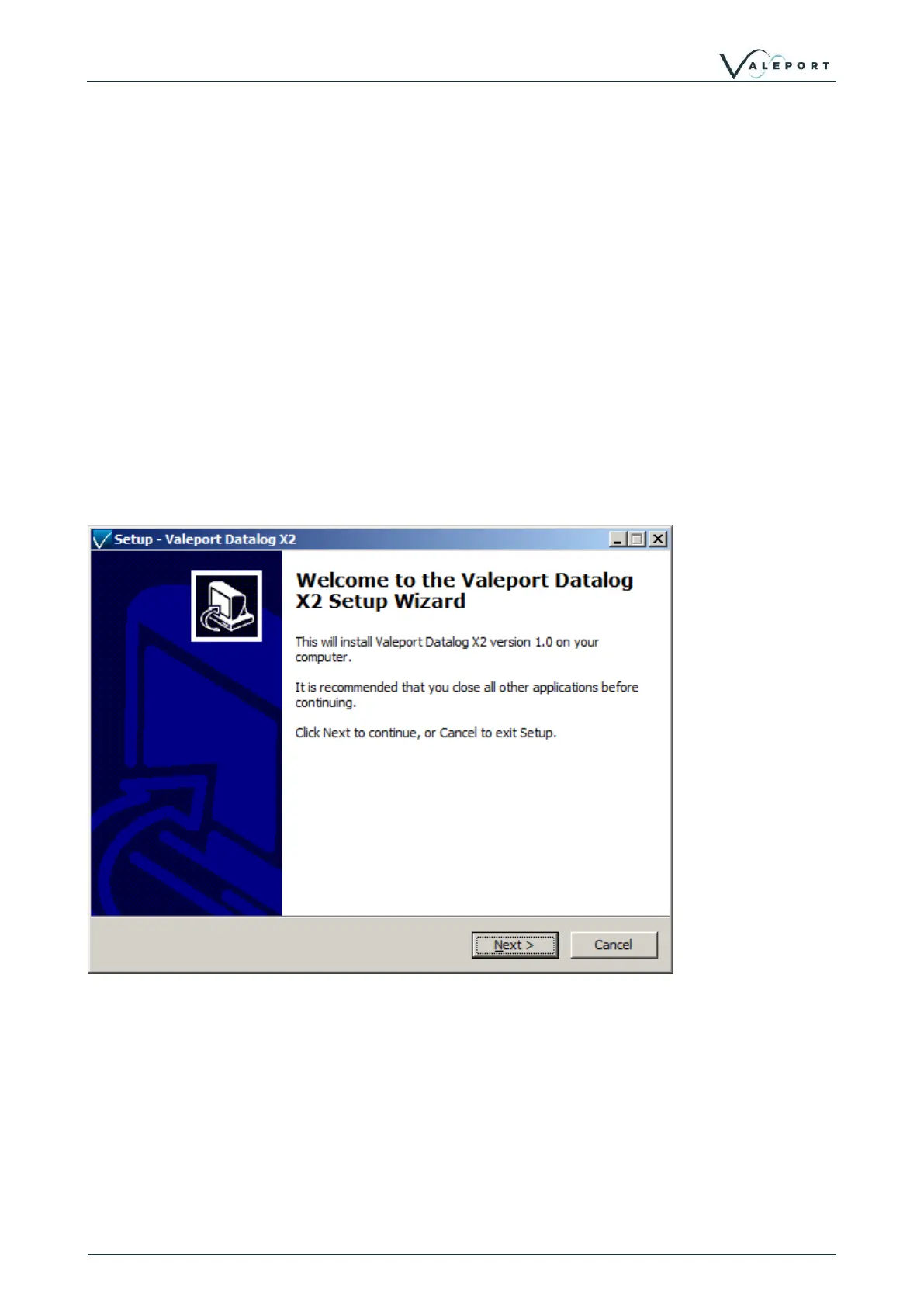
To Install: Run Setup.exe from the installation directory.
Note: You may need to accept a Windows security warning to proceed based upon your system
configuration.
Confirm additional settings as required



 To Next Page