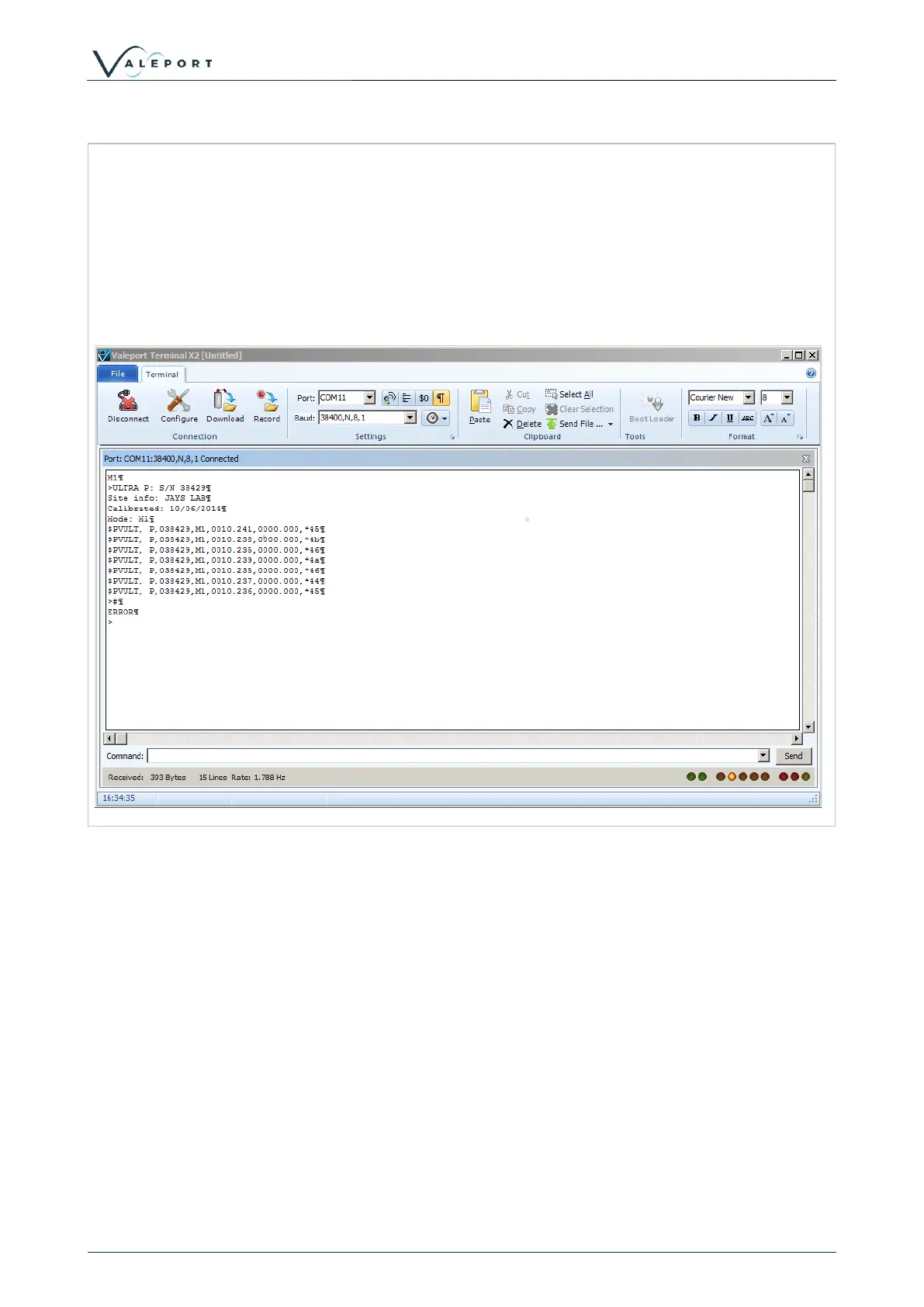
Once the connection is established, the status bar will show the connection details and any
communications will be shown in the window.
Commands can be issued via typing directly into the command window or via the command
toolbar.
The command toolbar stores a history of issued commands.
The status toolbar shows the amount of data received, sent and the received rate of data.



 To Next Page