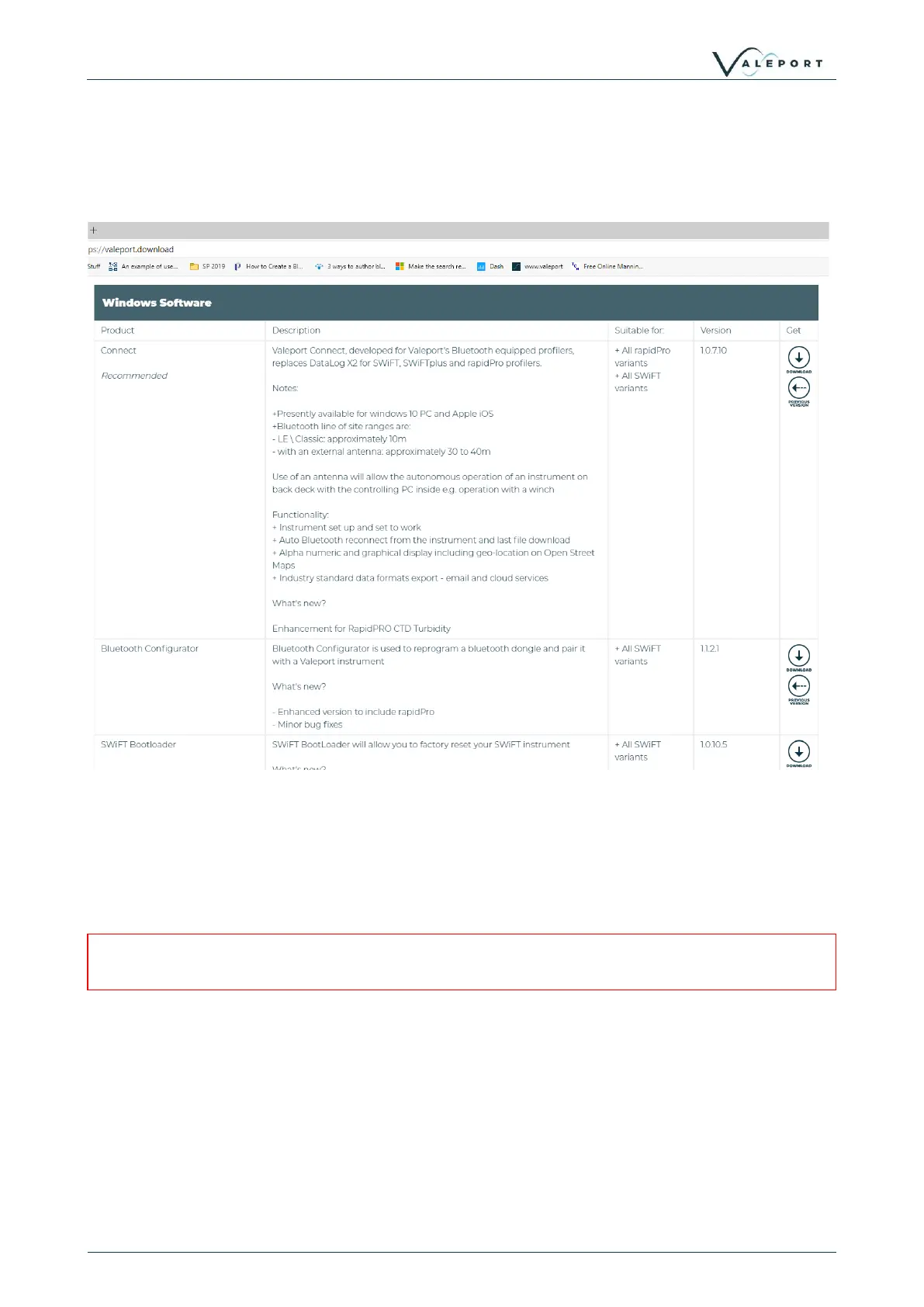
• Download the following files:
• Bluetooth Configurator
• Valeport Ocean
• Bootloader Utility
• SWiFT Firmware - do not unzip this file
9.1.2 Step 2 - Update the Firmware
1. Unplug any devices interfaced to any serial ports on the PC
2. Install SWiFT Bootloader (vpSWiFTBootLoaderSetup.exe)
3. Interface the SWiFT to the PC with the provided USB lead
4. Ensure the SWiFT is powered on
If you are operating a laptop on battery power, ensure you have sufficient power to complete the
operation
Run the Bootloader utility:
• The correct device should be shown in the top input box
• When the device is selected, the battery status of the device and current firmware should
be displayed
• Drag and drop the firmware.zip file onto the application
- Or use the browse button in the lower input box and navigate to the location of the
firmware.zip file and select it:


 To Next Page