19
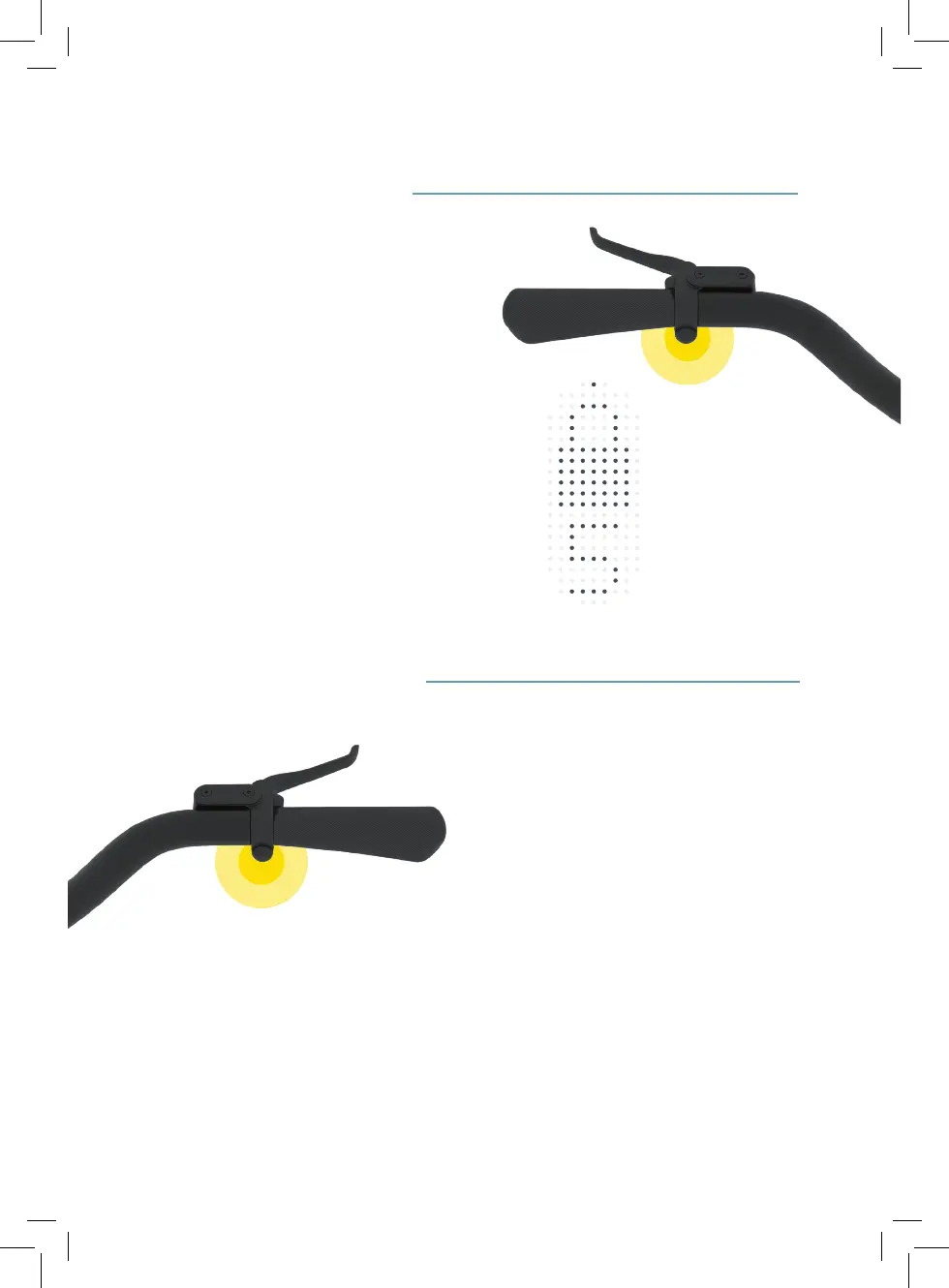
4. The right handlebar button
4.1 When riding,this button activates the
Turbo Boost. The Turbo Boost increas-
es the pedal assist power for as long
as you hold the button, helping you to
accelerate quickly.
4.2 When standing still, press and hold
this button to cycle through power
assist levels.
3.1 When riding, this button will sound the
bell.
3.2 When the app isn’t connected and
your bike is locked, a long press will
prompt you to enter your unlock code.
3.3 When the app is connected and your
bike is locked, a short press will unlock
it – make sure Touch Unlock is enabled
in the app.
3.4 When standing still and your bike is
unlocked, it will enter standby mode
after ve minutes – press this button to
wake up your bike.
3. The left handlebar button


 To Next Page