23
Note
Your choice of motor assistance level will
aect the maximum distance you can ride.
A lower level will provide less support, but
allow you to ride further. Higher levels will
provide more support, but you’ll need to
charge your bike sooner.
9. 1 When your bike isn’t moving, press
and hold the right handlebar button
to cycle through the motor assistance
levels. Release the button to select
the level.
9. 2 You can also change the motor assis-
tance level in the VanMoof App when
your phone is connected to your bike.
9. 3 The motor will deliver power intel-
ligently depending on your current
speed.
9. 4 The motor will only engage while the
pedals are turning. Stop pedalling
to slow down.
9. 5 Your maximum speed depends on
local regulations
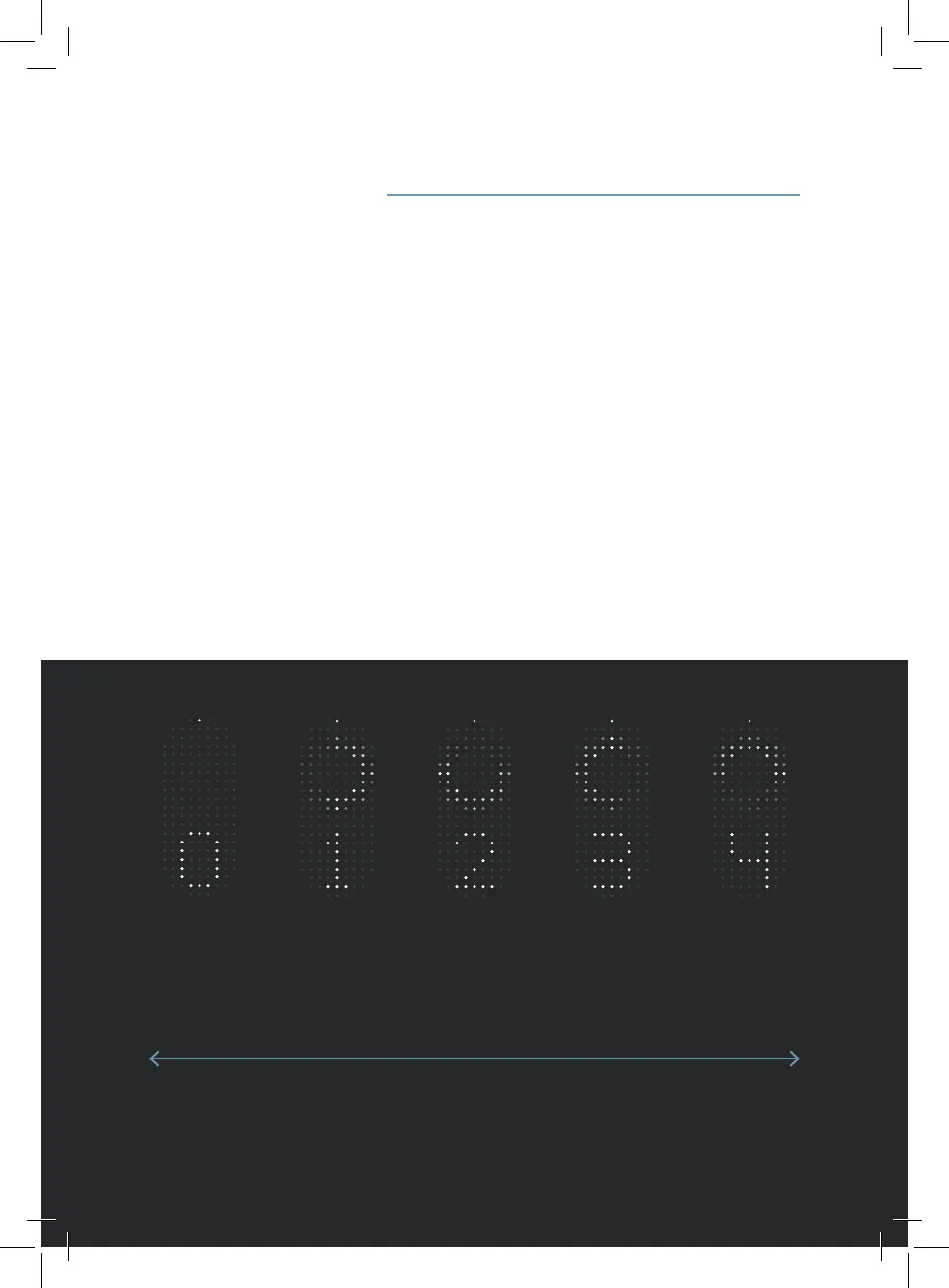
Slow Fast
Level 0
Motor is
switched o
Level 1
Low motor
support
Level 2
Medium
motor
support
Level 3
High motor
support
Level 4
Maximum
motor support
9. Motor assistance level


 To Next Page