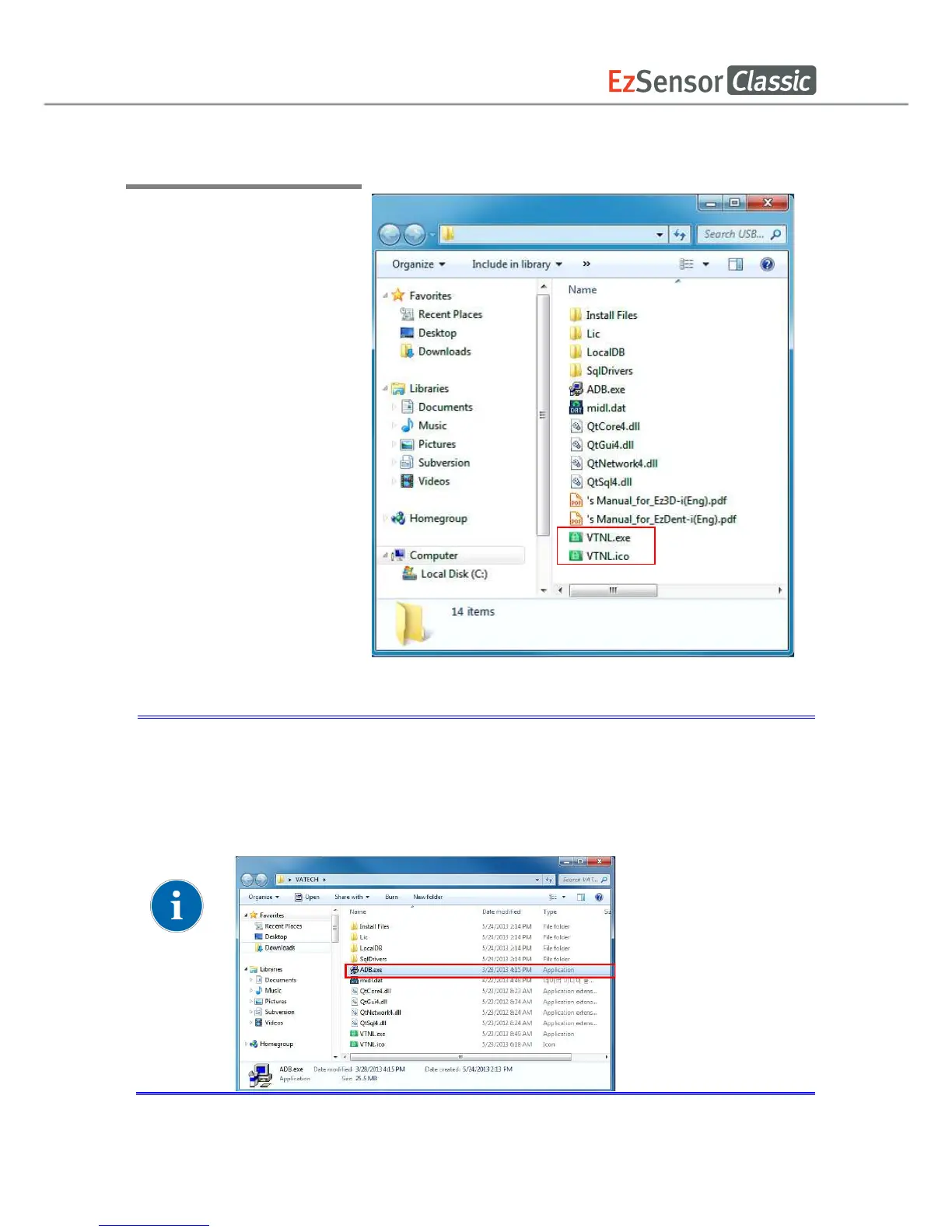
Step 1
Connect the USB Dongle Key
to the PC, and open VTNL.
exe
To open VTNL program, install ADB.exe file first. If the executable file is
not installed, the installation process of ADB program will automatically
start when opening VTNL program.
To open VTNL program, install ADB.exe file first. If the executable file is
not installed, the installation process of ADB program will automatically
start when opening VTNL program.
To open VTNL program, install ADB.exe file first. If the executable file is
not installed, the installation process of ADB program will automatically














 To Next Page