PaX-i3D Green (PHT-60CFO) User Manual
108
7 Acquiring CEPH Images
The image appears in real time on the imaging GUI.
C. Click the
Save
button to save the acquired image. If automatic save has
been selected as a default setting, the image will be saved automatically.
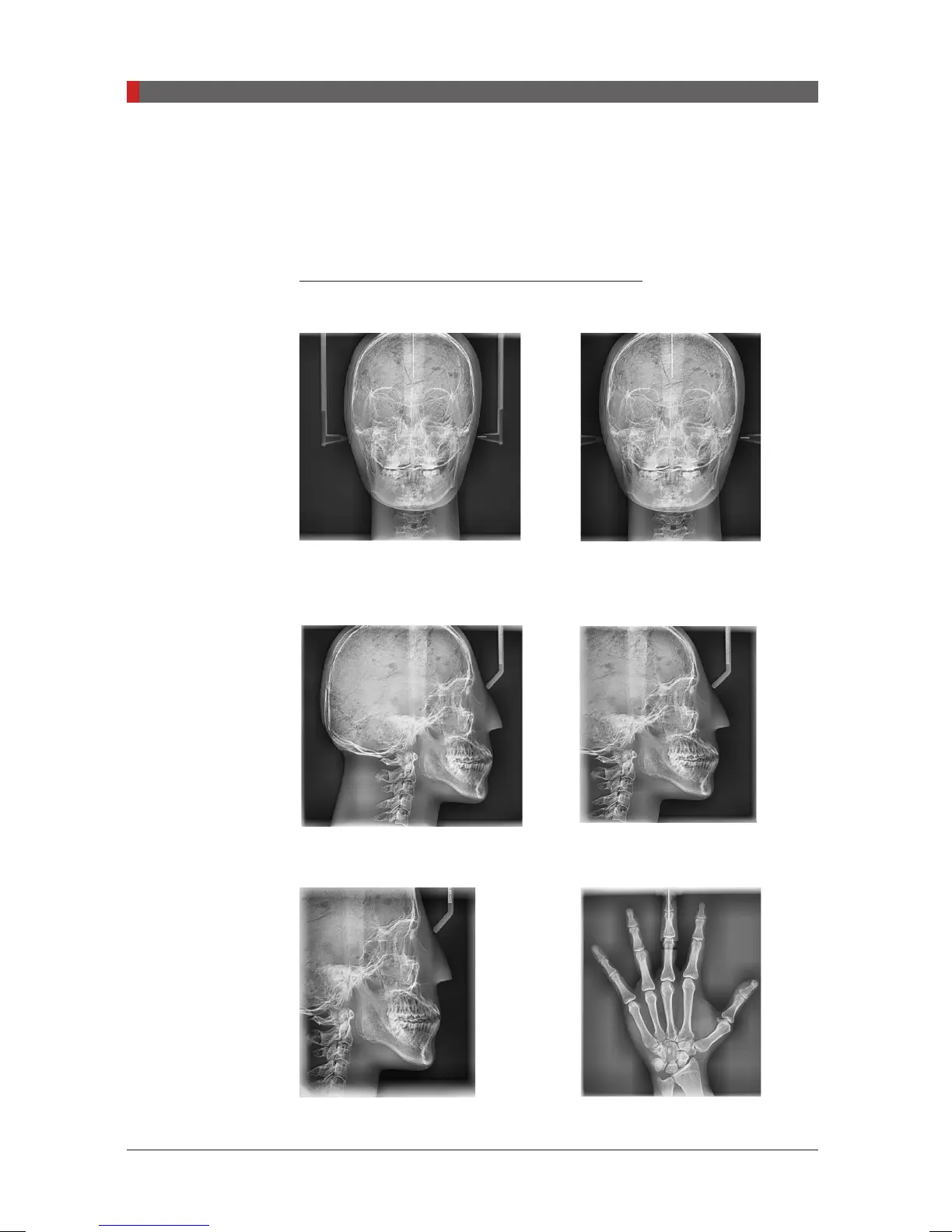
Sample images: with one shot type sensor
PA: Posterior – Anterior
FOV 12 x 10
(inches)
30.48x25.40
(cm)
FOV 9 x 10
(inches)
22.86x25.40
(cm)
Lateral
Full Lateral : FOV 12 x 10
(inches)
30.48x25.40
(cm)
Lateral : FOV 9 x 10
(inches)
22.86x25.40
(cm)
FOV 8 x 8
(inches)
20.32x20.32
(cm)
Carpus
[PI3DG_130U_44A_en]User Guide.indd 108 2016-05-24 오후 4:19:09













 To Next Page