PaX-i3D Green (PHT-60CFO) User Manual
56
4 Software Overview
B. CEPH Examination
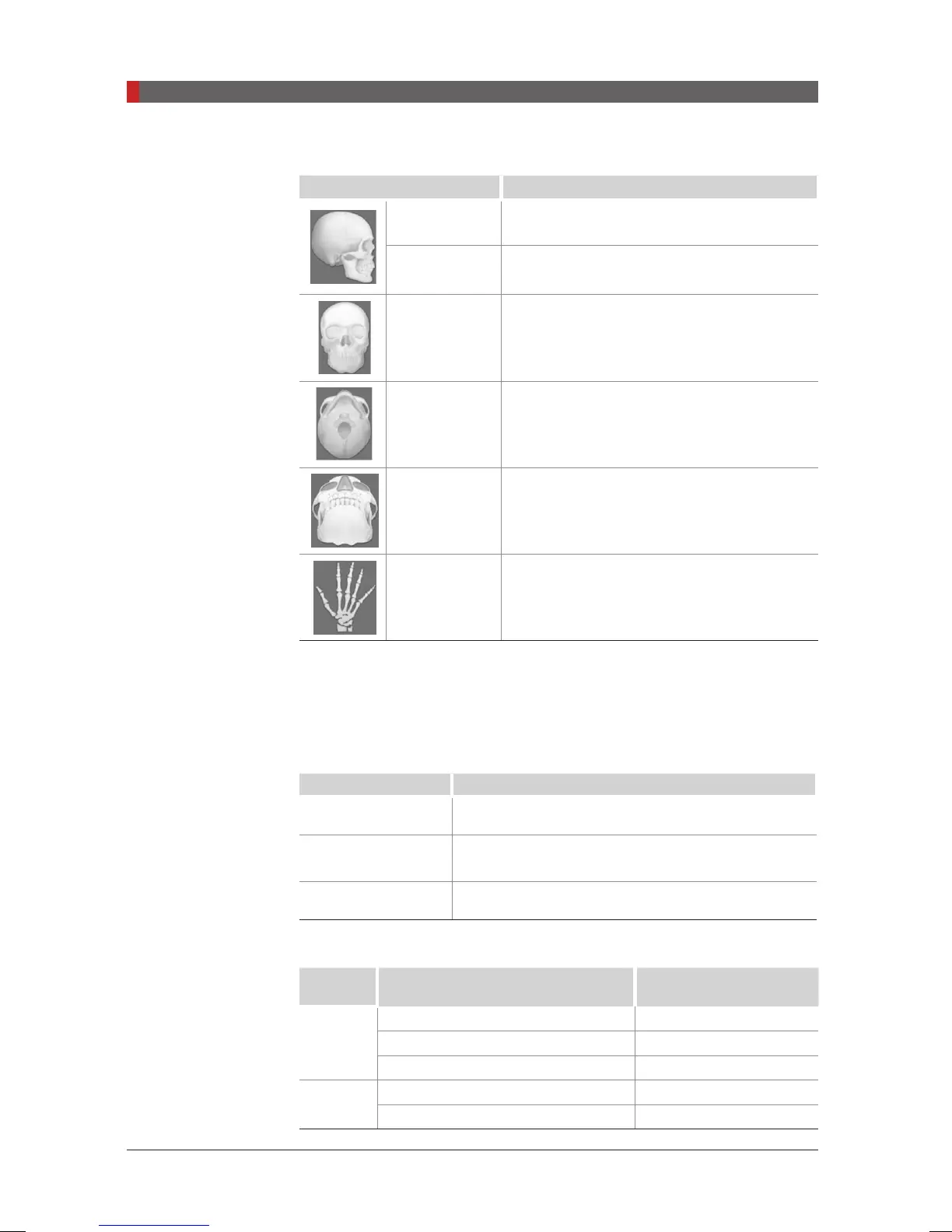
Mode Details
Lateral Takes a lateral view image partially
Full Lateral
(Scan CEPH)
Takes a lateral view image fully
PA Takes a posterior-anterior image
SMV Takes a SMV(Sub-Mento Vertical) image
Waters View Takes a Waters View image
CARPUS Takes a CARPUS image
C. FOV Selection
The Multi FOV is supported for the equipment with the OS (one shot) CEPH
sensor (optional).
[With one shot type sensor]
FOV Details
12 x 10 (inches)
30.48 x 25.40 (cm)
Full size
9 x 10 (inches)
22.86 x 25.40 (cm)
Region of the no interest of the rear part of the head
is eliminated to minimize the X-ray exposure area.
8 x 8 (inches)
20.32 x 20.32 (cm)
Child
D. Exposure Time
Sensor
Type
Examination Modes Scan Time (s) - Default
Scan
Full Lateral 5.4
Lateral 4.0
PA / SMV / Waters View / Carpus 4.9
Oneshot
Lateral 0.7
PA / SMV / Waters View / Carpus 0.9
[PI3DG_130U_44A_en]User Guide.indd 56 2016-05-24 오후 4:18:41













 To Next Page