Issue 08/2023 © Continental Automotive 89
• Rest / Stopped
• Travelling / Direction
• Lunch
• Work
• Selected activity unknown
(7) Active error (if there is any)
The driver code will only be correctly identified after the previous registration,
as described in the item 2.4.1 of this manual.
Attention
In case there is no driver identified, "?????" is displayed on the
screen. In case of driving, an audible alarm will be activated.
To disable the alarm just press the button.
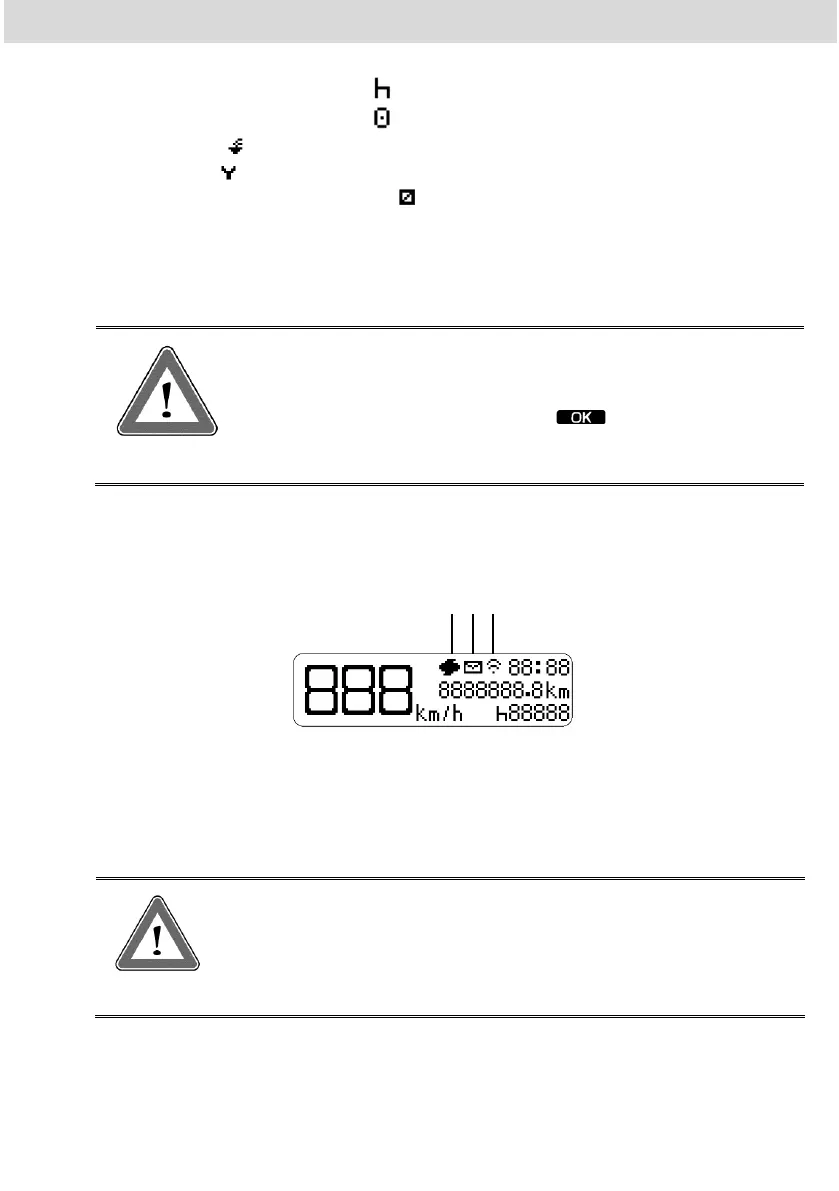
In case of connection with telematics device, the main screen will display the
BVDR connection status with the fleet management solution in the first line:
Message from the telematics device for printing
Message from the telematics device for reading on the screen
Connection between BVDR, telematics device and VDO On Board
Attention
The connection status will be displayed only in case of
acquisition of telematic equipment and Continental's fleet
management solution.



 To Next Page