• Vehicle and driver information;
• Travel information (speed, time and distance);
• Failure events;
• Customized messages;
• Vehicle positioning information (GPS).
After integrating the BVDR to the telematics device the following VDO On Board
options screen will be included in the menu.
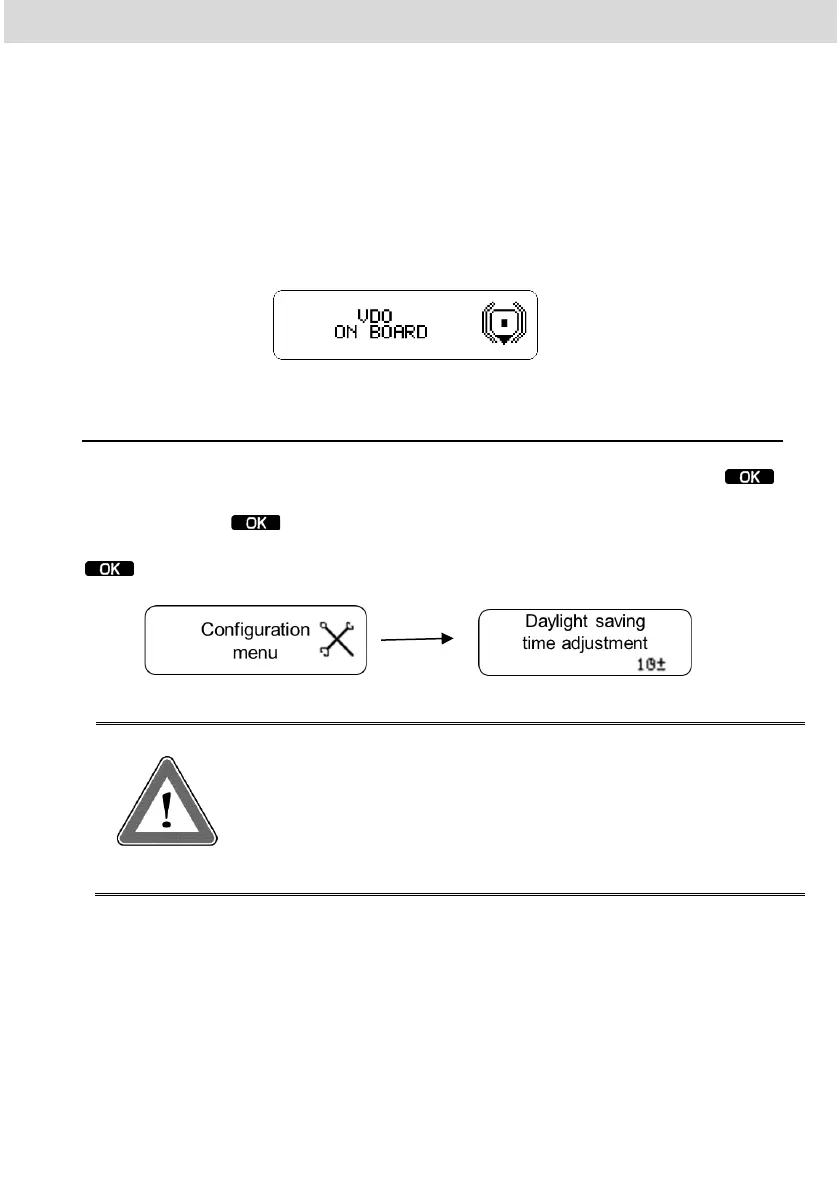
2.5.13 Daylight saving time adjustment
In the setup menu, scroll to the daylight-saving time setting and press .
After that a screen will appear and ask if you want to print a tape before setting
the time. Press button to confirm. After printing the tape will appear a
screen asking if you want to activate daylight saving time. To change, press the
button.
Attention
You can change the daylight-saving time for a maximum of 3
times a year. After 3 trials, daylight saving time adjustment
menu will not be available on BVDR in the current year.



 To Next Page