EasyManua.ls Logo

VDO BVDR 2.0 - General Information; Active Errors and Troubleshooting

VDO BVDR 2.0
Print Icon
To Next Page IconTo Next Page
To Previous Page IconTo Previous Page
Loading...
106 © Continental Automotive Issue 08/2023
3 General Information
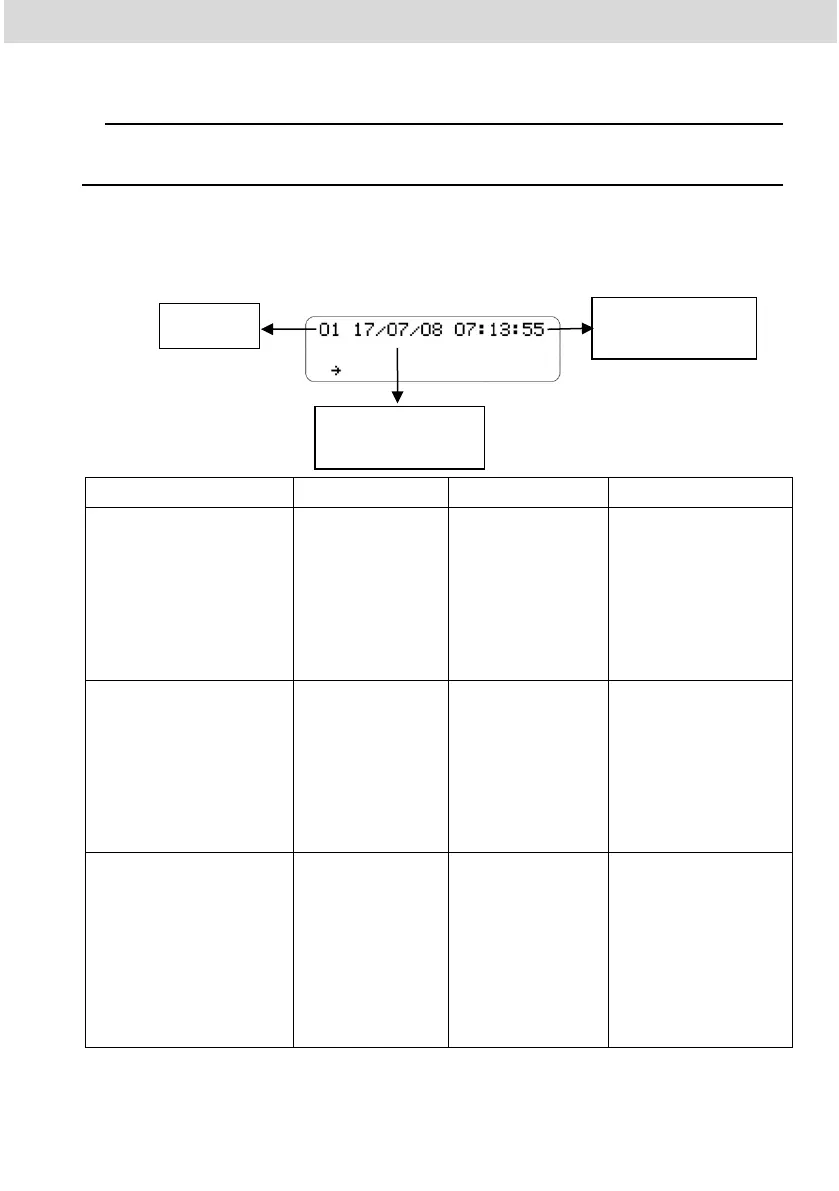
3.1 Active errors
This item registers in memory and indicates to the user the product's
malfunction. The code table below indicates what the fault is, its possible cause,
and how to proceed
Code/Meaning
Cause
Effect
How to proceed
01
Internal Error in the
BVDR
Failed BVDR
software due to
improper handling
of data.
All BVDR CAN
outputs and
messages are
disabled. No speed
information,
odometer or date
and time.
Go to an authorized
VDO station to repair
it.
02
Power failure
Problems in the
electrical part of
the vehicle, or
total discharge of
the battery.
All BVDR CAN
outputs and
messages are
disabled. None
information about
speed, odometer,
date and time.
The BVDR will restart
when power is applied.
03
Speed Sensor Error
The sensor may
be defective or a
bad connection.
Error information
will be sent via
CAN, speed will
not be displayed in
vehicle dashboard.
It will be present in
active error list until
the issue is fixed.
Check the sensor and
its connection. In case
the error persists, go
to an authorized VDO
station.
Código
Data em que
ocorreu a falha
Hora em que
ocorreu a falha

Table of Contents

Related product manuals