2.5.14 Clock adjustment - RTC
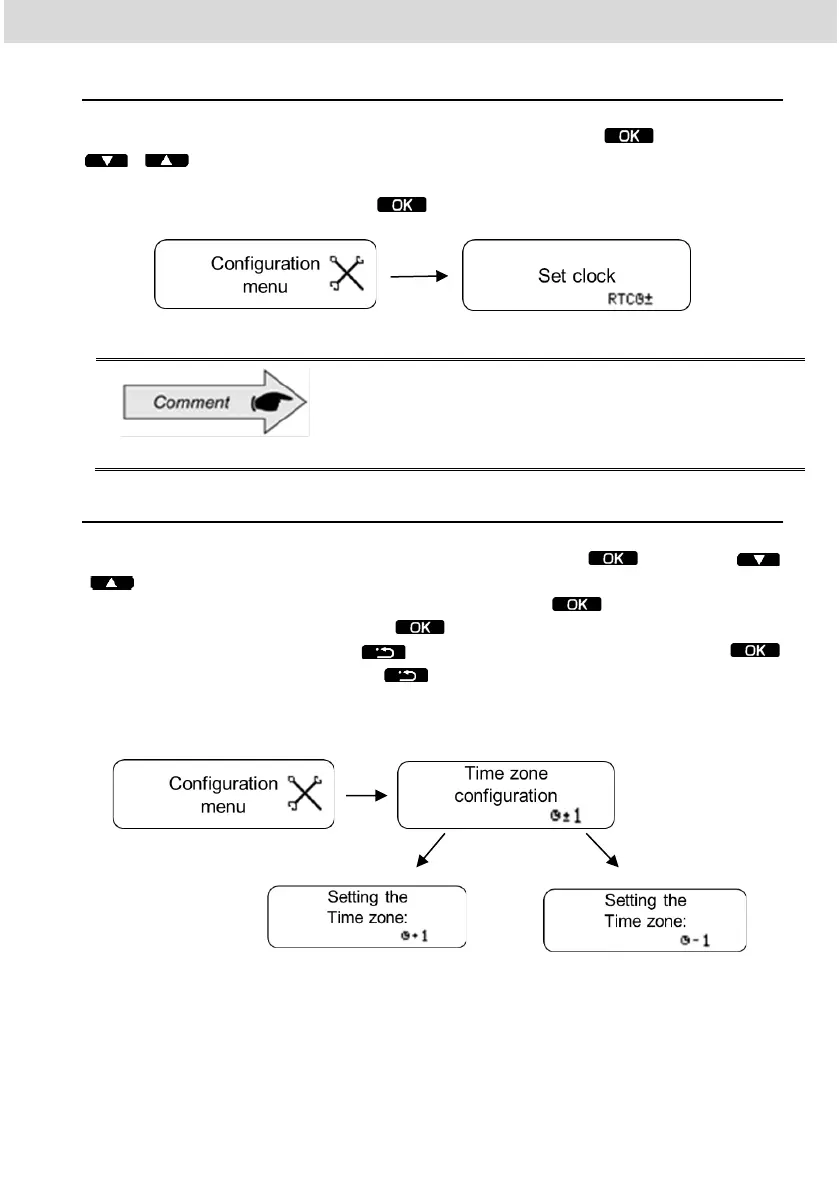
In the setup menu, scroll to the RTC clock setting, press , then use the
/ keys to select whether you want + or - and the amount of minutes
you want. Remembering that the maximum allowed is 5 minutes per week. After
selecting the desired time, press and the change will be performed.
In case of loss of external power, the clock will not be
shown on the screen, but the BVDR has an auxiliary
battery to ensure its time setting is maintained.
2.5.15 Time Zone Configuration - UTC
In the setup menu, scroll to "time zone setting" and press . Using the
/ keys, select whether you want to increase (a) or decrease (b) a time zone,
as shown below. When the option is selected, press . If you need to print
the tape before adjusting, press , otherwise, to continue the change
without printing the tape, press . Then, to confirm the change, press
. If you want to cancel, press . The change is complete, when the
"Configuration realized" is shown.
(a) (b)



 To Next Page