DLKPro Inspection Key • Operating Instructions – Edition 03/2012 8
3 Getting started with the DLKPro
Creating a backup copy on the
SDHC™ card
If an SDHC™ card is inserted, a backup copy of the data
is stored on it after the data download has finished.
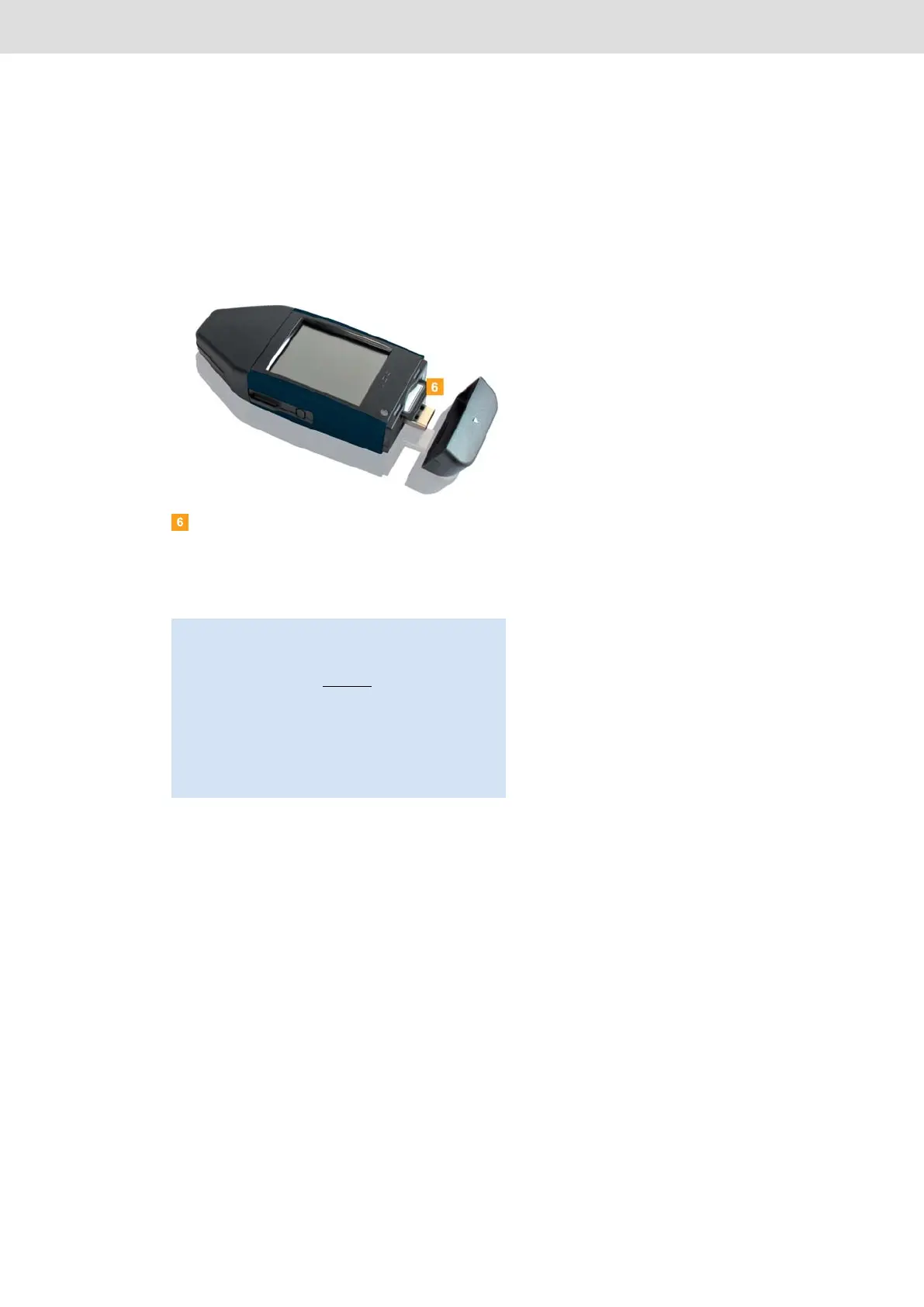
If you require a backup copy, insert an SDHC™
card into the card slot.
The DLKPro screen is facing upwards; the contact
points of the SDHC™ card are facing downwards;
the angled corner is on the right.
Note: You can use either an SD™ or an SDHC™ card.
The cards are not included in the package.
When using an SD™ card, please remember that the
card’s memory capacity
may not be 128 MB (memory
capacity of the KEYTOOLS partition).
Otherwise the DLKPro will not recognise the existing
partition and the configuration software cannot be
started.
In these Operating Instructions, ‘SDHC™ card’ also
means an ‘SD™ card’.


 To Next Page