DLKPro Inspection Key • Operating Instructions – Edition 03/2012 9
4 Performing a (roadside) inspection
4 Performing a (roadside)
inspection
An inspection includes:
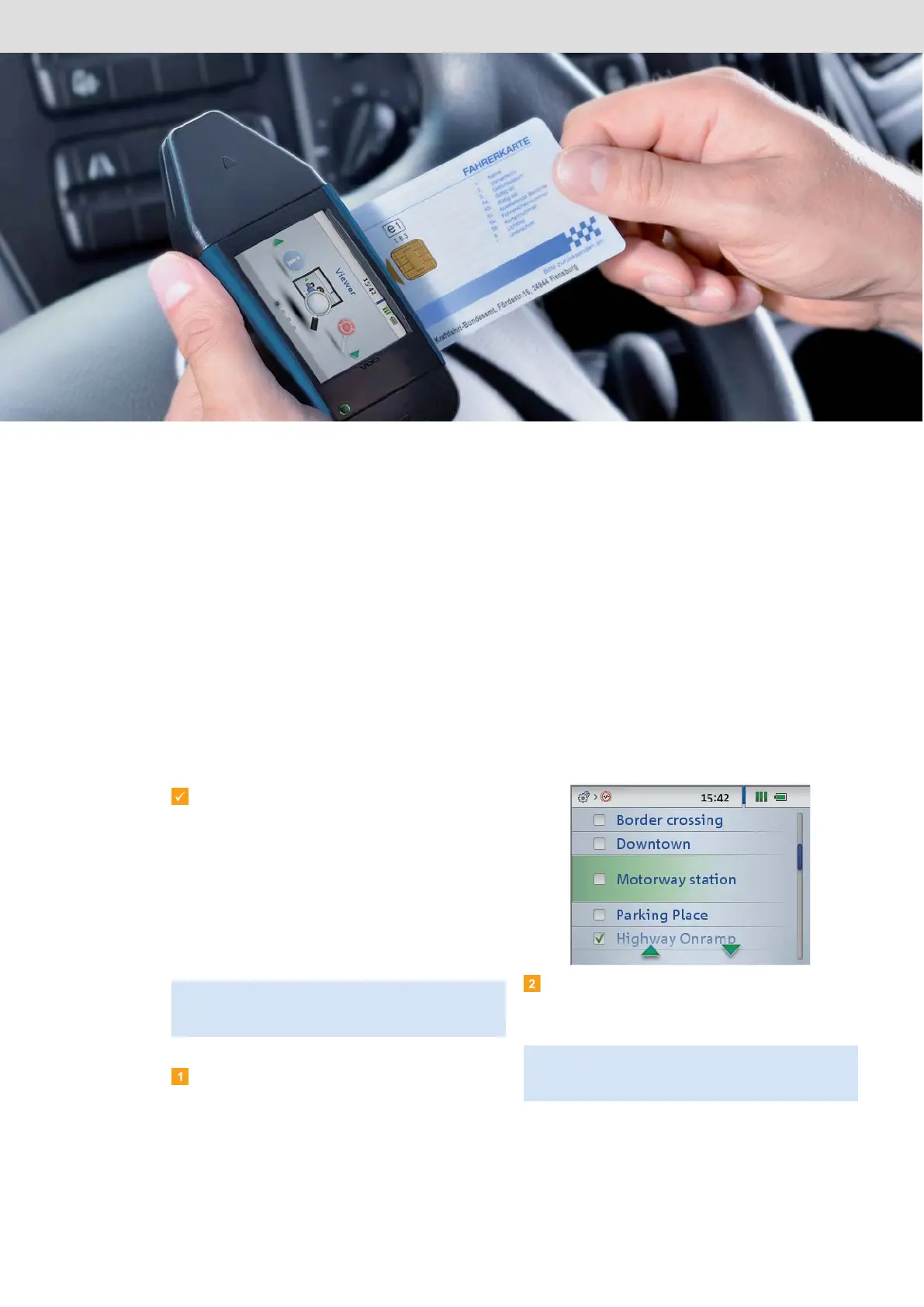
• carrying out an initial analysis of the driver card using the integrated chip card and checking the data on the
touch screen (card check).
• performing a quick check on the digital tachograph (downloading the mass memory data if necessary) and
viewing the data on the screen.
• checking any suspicious events using the “DownloadTools” PC programme.
Requirements:
• The DLKPro’s real-time clock is synchronised;
see page 6.
• The DLKPro’s battery has been sufficiently
charged for card downloading and screen
operation; see page 7.
• You have specified tolerance values for the
suspicious event checks and configured the data
block download settings using the
PC programme; see pages 36 and 33.
Switch the DLKPro on by pressing the on-off
button.
Choose Settings > Tolerance settings and check
which tolerance profile has been selected.
Select a different tolerance profile if necessary.
Note: If you haven’t adjusted the tolerance values and
configured the data download yet, the default factory
values will be used for the check.
Note: When downloading is complete, the driver card
and mass memory data will be analysed based on the
tolerance values of the selected tolerance profile.


 To Next Page