Resetting trip data after the trip
After each day trip, you can reset the data for this day trip to
zero. The VDO M2 WL is then ready for the next day trip.
ATTENTION: your total distance (total number of kilometres
ridden) and total ride time are not reset to ZERO.
The process is as follows:
Press and hold the BIKE button for a few seconds.
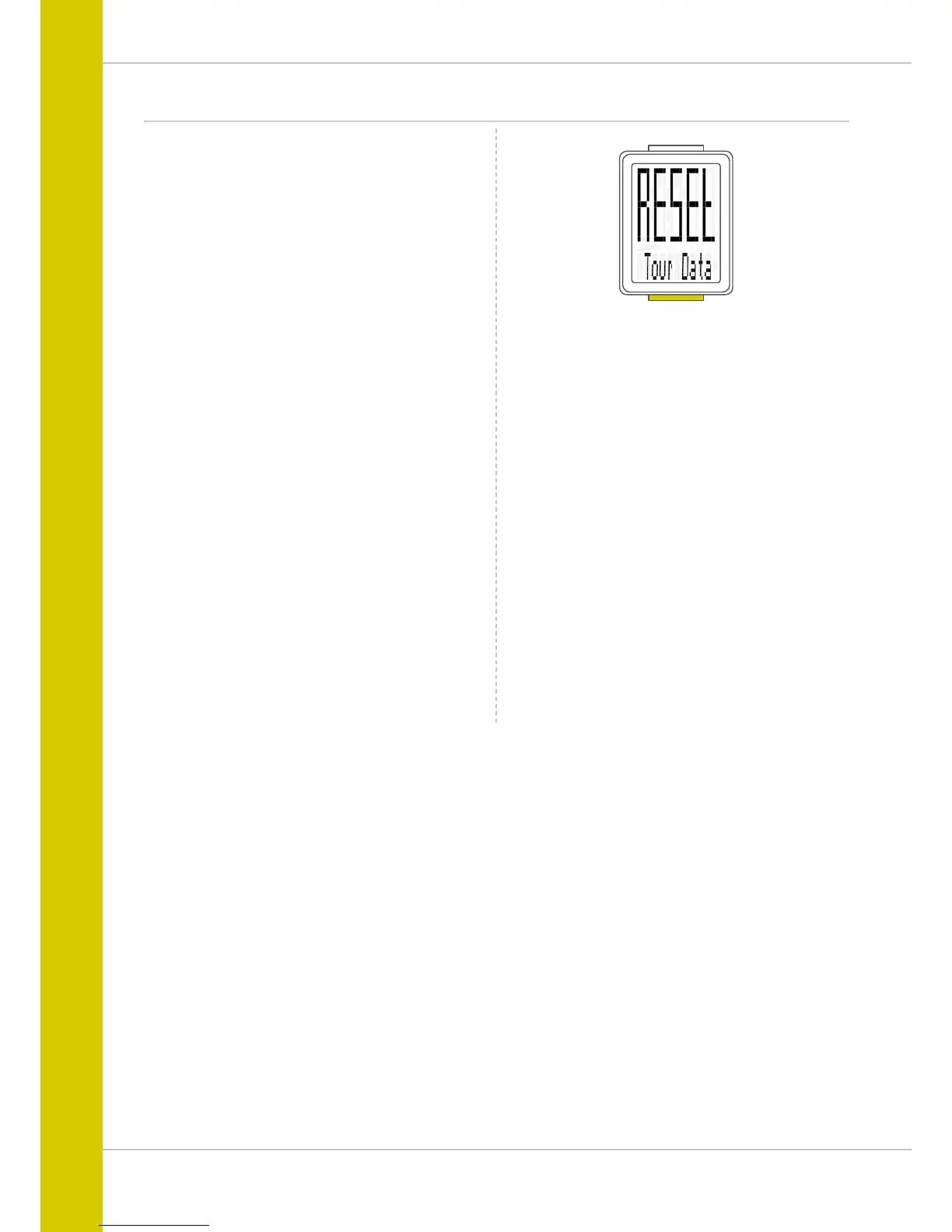
The text “RESET Tour Data” appears on the display.
If you continue to hold down the BIKE button,
the trip data is now reset to zero.
The following data is reset to zero:
– Distance
– Ride time
– Average speed
– Maximum speed



 To Next Page