1x
SET
BIKE
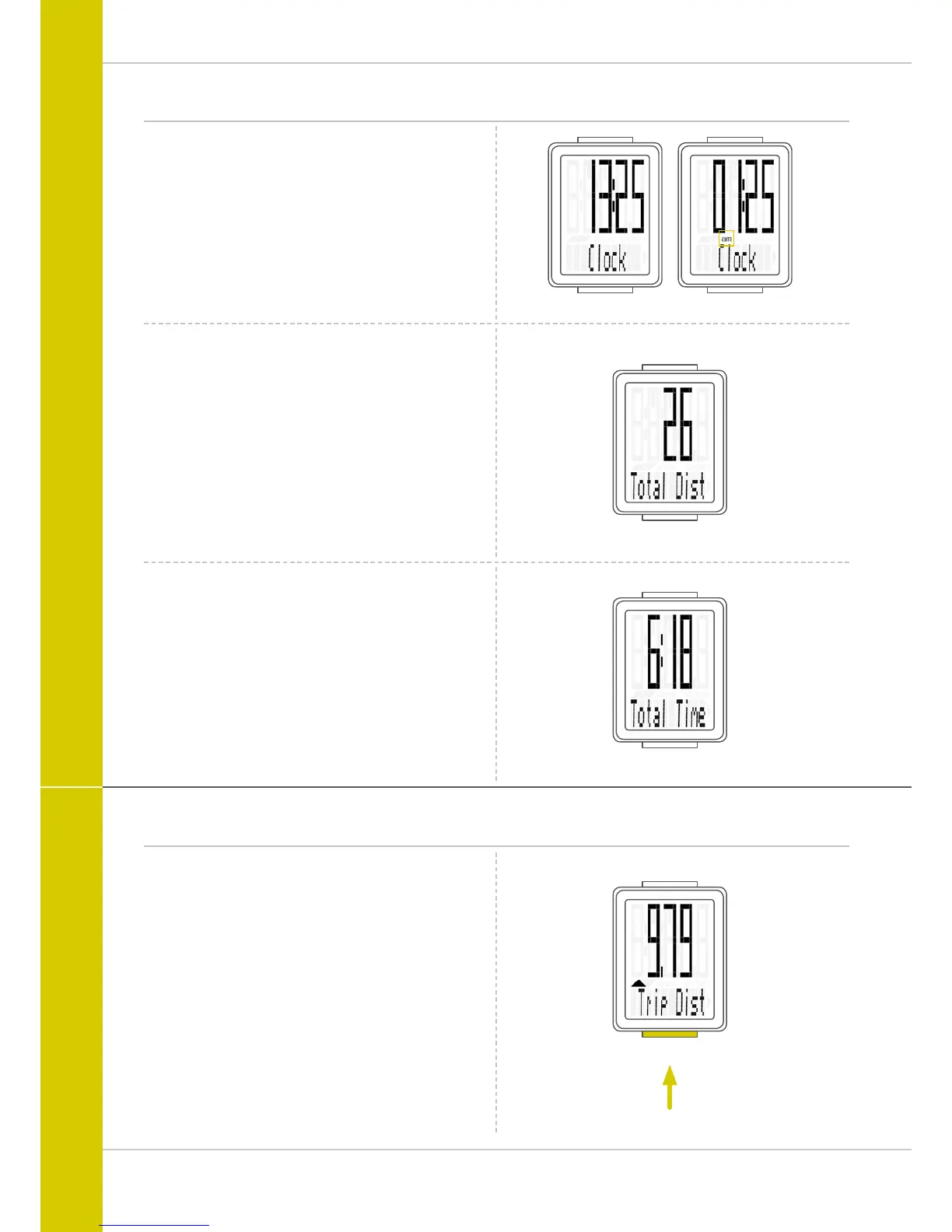
24-H format 12-H format
Functions
Current time
(in 24-h or 12-h format)
Total distance
(total for all day trips)
The total distance counts up to 99,999 km or miles.
If this value is exceeded, the total distance counter restarts at
zero.
If the unit is switched from miles to km and the conversion
result is greater than 100,000 km, the counter is reset to
zero.
Total ride time
(total for all day trips)
The total ride time counts up to 9,999:59 HHHH:MM.
If this value is exceeded, the total ride time counter restarts
at zero.
Operation while cycling
While cycling, the display functions can be accessed by
pressing the BIKE button.
Pressing the BIKE button shows the next function on the
display.
Only ONE function at a time is shown on the display.
To once again display the speed, the SET button must be
pressed.
The SETTINGS can also be used to enable the automatic
return to the speed indicator from all function displays.
See page 18: Settings – speed indicator settings



 To Next Page