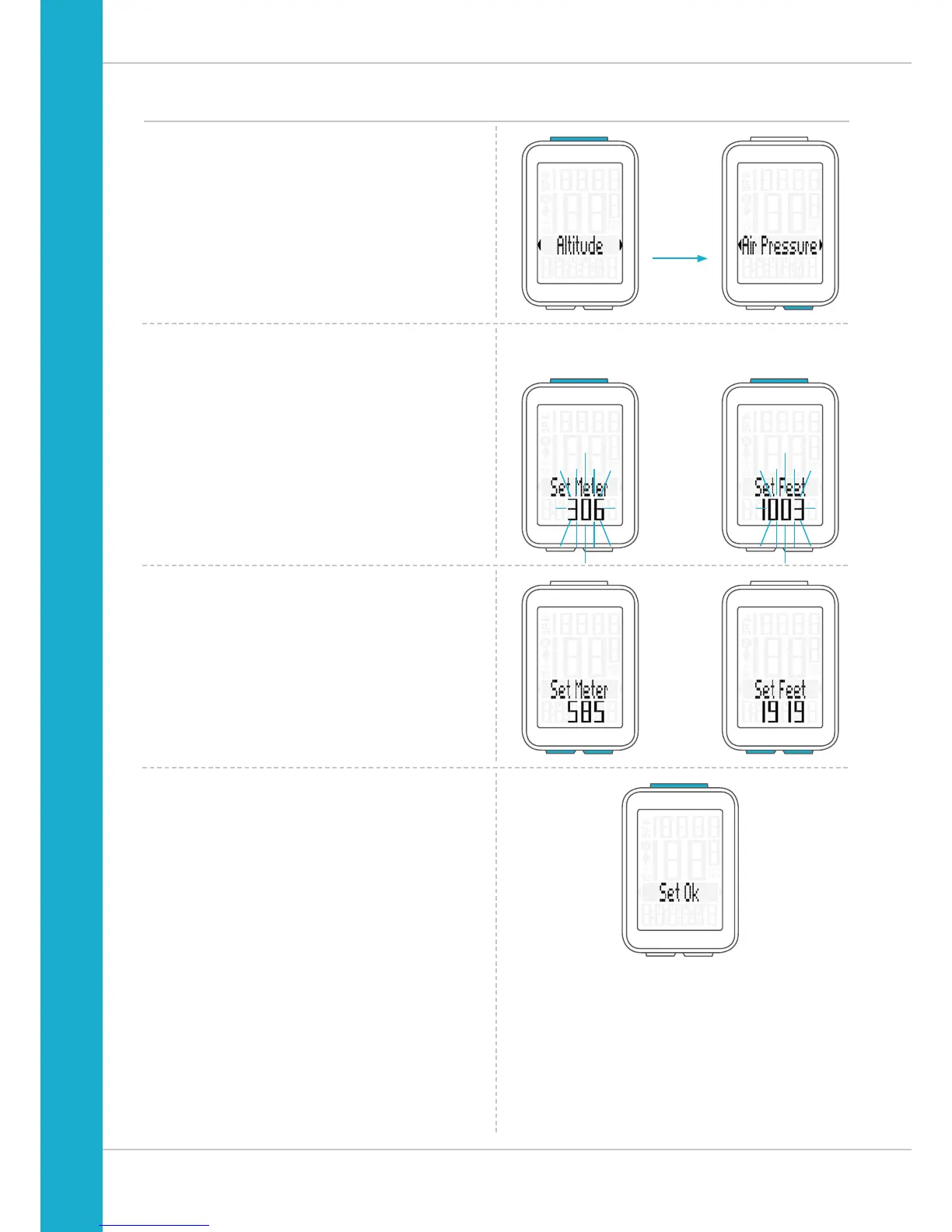
Settings – current altitude
You can set the current altitude as either an altitude in
metres or feet or by entering the sea level pressure.
We will first explain how to set the current altitude
by
entering the altitude in metres (or feet).
Press the SET button to confirm the selection “Altitude”.
The setting opens.
Press the BIKE button to increase the value.
Press the ALTI button to decrease the value.
Once this value has been set, confirm the setting by pressing
the SET button.
The response “Set OK” appears on the display.
Set Meter Set Feet



 To Next Page