EasyManua.ls Logo

Vdwall LVP300 - Setting Output Format

Vdwall LVP300
43 pages
Print Icon
To Next Page IconTo Next Page
To Previous Page IconTo Previous Page
Loading...
LVP300 LED HD Video Processor
18
1
Set output format
LVP300 can output image from 2 DVI OUT. There are 10 fixed output format and
custom output format.refer to page 8 specifications. Users can select fixed output
format not less that the LED screen resolution.
Operation steps
Press to select “1.1 Resolution” item. Rotate knob to select suitable output format
like“1280×1024_60
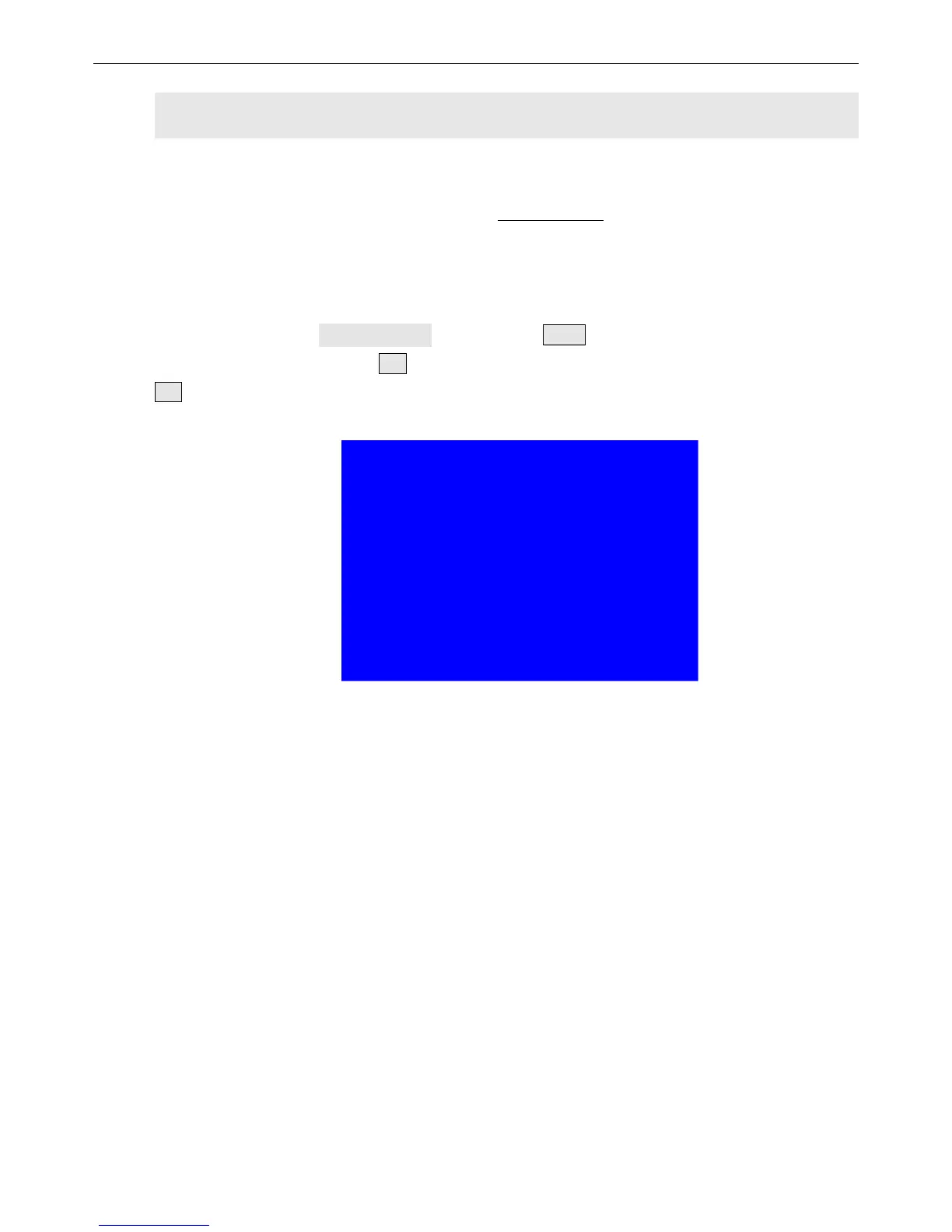
Press OK button, the screen will display confirmation menu. Press
OK button again to confirm the output format. The device will restart automatically.
tips
--------------------------------------
Data will reset
Press <OK> to reset
Press <return> to cancel

Related product manuals