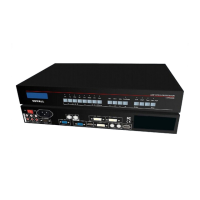
LVP300 LED HD Video Processor
VP300 supports 10 fixed DVI EDID. Normally the parameters setting should be
consistent with“custom output format”.
Operation steps
:
In the menu 2.1 DVI EDID
,
rotate knob to select suitable
resolution and press OK to save data.
Press Setup to enter setup menu, press ↓ to select “2. Input video signal”,Then
press OK to enter“2.input video signal ”
,
and press ↓ to select signal switch mode“one
key switch ”or Pre.+Take switch ”,Press OK to apply.
--------------------------------------
2.1 DVI EDID 1280x1024_60
2.2 switch mode Pre.+Take SW.
?


 To Next Page