Chapter 6: Setup menu instructions
Setup menu is to set the entire processor. There are 7 section including output image
、
input
image
、
text overlay
、
image quality
、
language
、
advance
、
PIP/PBP.
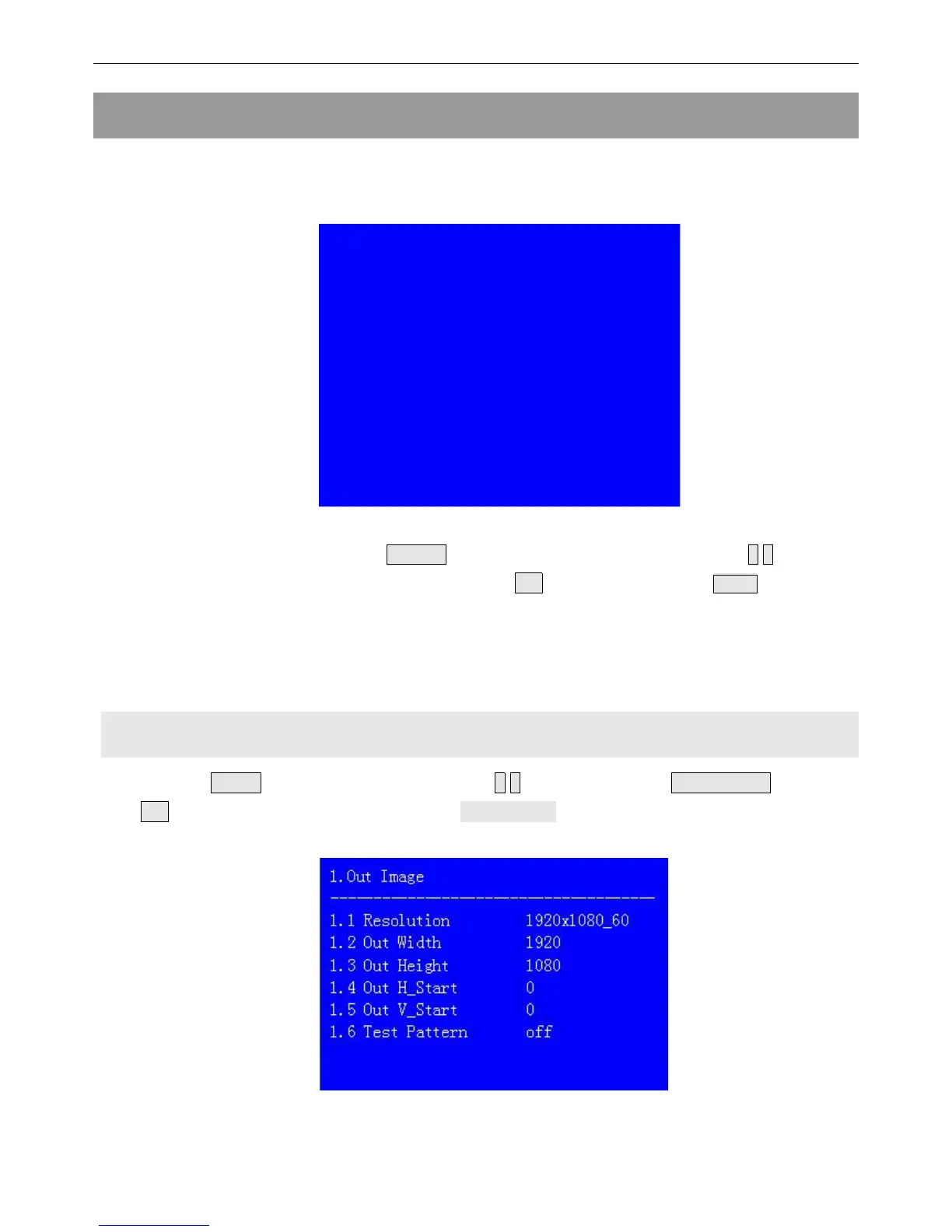
After the system starts
,
Press Setup to enter the setup menu.Then press↑,↓ button to
select the corresponding menu item to be set. Press OK button to enter and Setup return back
upper level menu. The following is a detailed description of each menu function
:
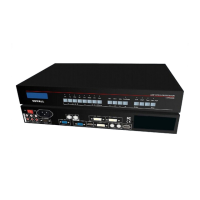
1. Output image setting
Press Setup to enter setup menu. Press ↑,↓ button to select“1.Out image” item.Then
press OK button to enter the following image“1.Out image” item.


 To Next Page