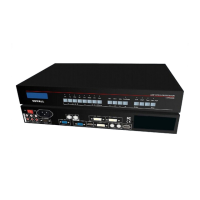
LVP300 LED HD Video Processor
Chapter 7 PC control software instructions
LVP300 control software is applied to operate LED Video Processors. We can do such
operations as below via this software:
Seamless Switching And Fade-In/Fade-Out
3 User-Definable Dual Windows Display Modes And Text Overlap
Features Bypass And Freeze
Set Parameters Of LVP300
Automatic Timing Control To Switch Input Signals
1. Control Method
RS232 is the most Frequently Used port for device controlling to remote locations. You
can do a remote operation by PC after it is connected to the processor through RS232 cable.
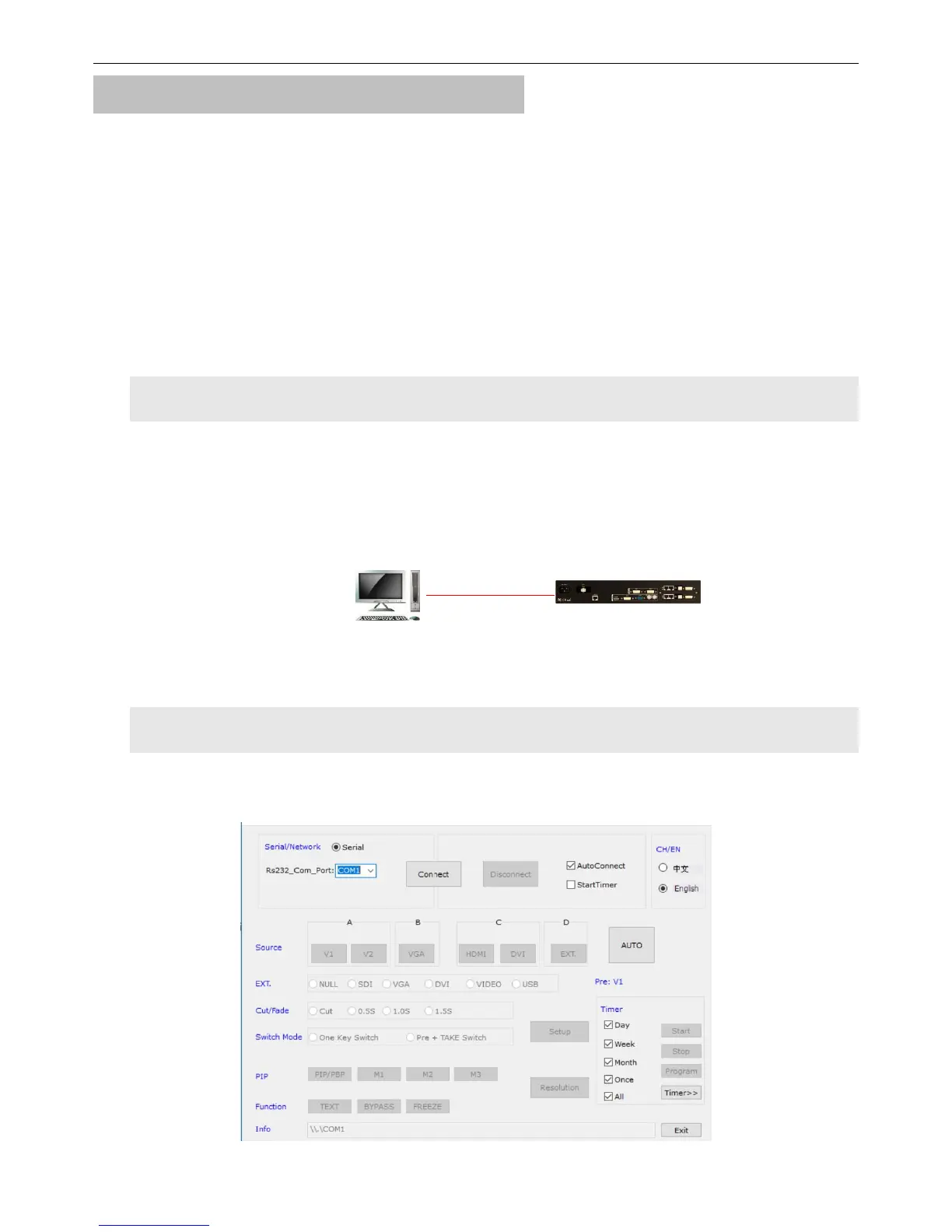
2. Introduction To Software Interface
Double click this icon and start this software, the main interface would show up. As For the
details, please refer to the figure below.
As it shows in the picture upon, the main interface is divided into 9 parts:


 To Next Page