Page
19
B
Backup
E
Enter
C
Change
F
Function
M
Mode
P
Print
S
Step
T
Tank/Sensor
KEY SYMBOLS:
To Stop In-Tank Leak Testing
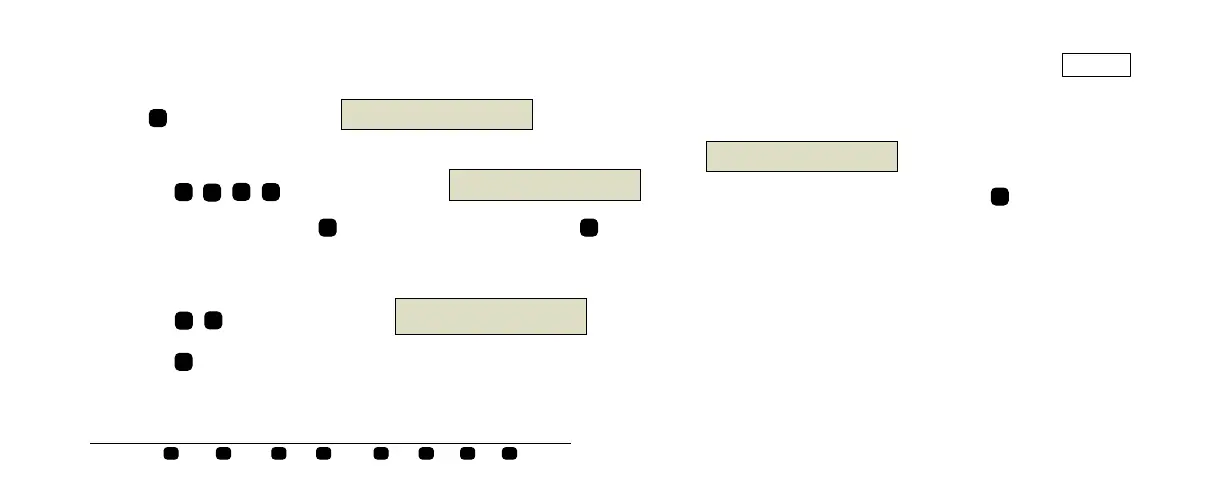
Press until the display shows:
To stop single tank testing:
Press . The display will show
For individual tanks, press to select the desired tank. Press to halt
the test.
To stop testing all tanks:
Press . The display will show
Press to halt the test.
F
STOP IN-TANK LEAK TEST
PRESS <STEP> TO CONTINUE
consoles\
h\48.eps
S
C
E
S
STOP LEAK TEST : TANK X
PRESS <ENTER>
consoles\qh\49.eps
T
E
S
S
consoles\qh\50.eps
STOP LEAK TEST : ALL TANKS
PRESS <ENTER>
E
The system confirms the ending of the test by displaying:
Return to normal operating mode: press until the date and
time display appears.
consoles\qh\51.eps
LEAK TEST NOT ACTIVE
PRESS <FUNCTION> TO CONT.
F





 To Next Page