Page
22
B
Backup
E
Enter
C
Change
F
Function
M
Mode
P
Print
S
Step
T
Tank/Sensor
KEY SYMBOLS:
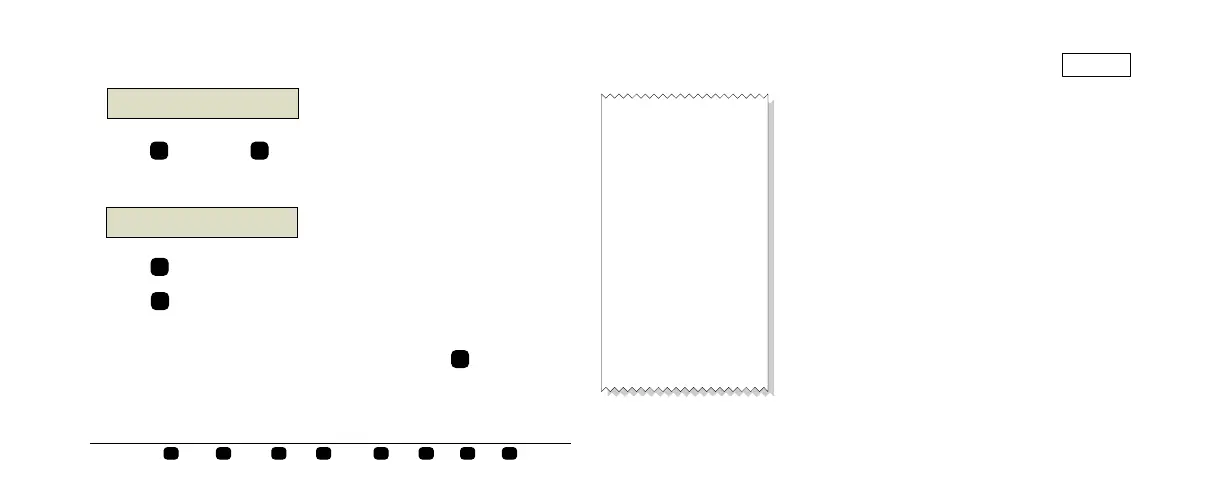
Inventory Increase Report
Press once and until you see the Delivery
message (the last delivery amount):
Press to select a different tank.
Press to print the delivery report for the tank
shown.
Return to the Date and Time display by pressing
until it appears.
consoles\qh\US\56.eps
MMM DD, YYYY HH:MM XM
ALL FUNCTIONS NORMAL
F
S
consoles\
h\US\61.eps
T 1: REGULAR UNLEADED
DELIVERY = 2958 GALS
T
P
M
MMM DD, YYYY HH:MM XM
T1:REGULAR UNLEADED
INVENTORY INCREASE
INCREASE START
MMM DD, YYYY HH:MM XM
VOLUME = 5146 GALS
HEIGHT = 44 INCHES
WATER = 0.00 INCHES
TEMP = 46.8 DEG F
INCREASE END
MMM DD, YYYY HH:MM XM
VOLUME = 8104 GALS
HEIGHT = 84 INCHES
WATER = 0.00 INCHES
TEMP = 47.2 DEG F
GROSS INCREASE = 2958
TC NET INCREASE = 2983
consoles\
h\US\62.eps


 To Next Page
 Loading...