Page
25
B
Backup
E
Enter
C
Change
F
Function
M
Mode
P
Print
S
Step
T
Tank/Sensor
KEY SYMBOLS:
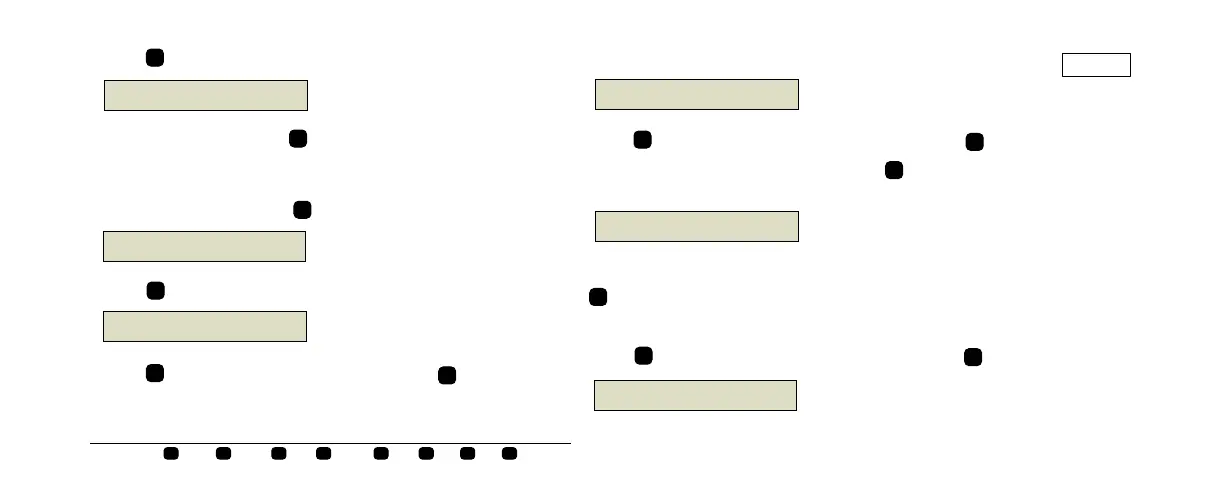
Press to begin the test. The system displays:
To exit this function, press .
TO STOP A PLLD TEST
To stop a PLLD test, press
until you see the message:
Press . The system displays the message:
Press to stop the test on all lines, or press
E
Q# : RUNNING PUMP
PRESS <STEP> TO CONTINUE
consoles\qh\US\plld6.eps
S
F
STOP PRESSURE TEST
PRESS <STEP> TO CONTINUE
consoles\qh\US\plld7.eps
S
SELECT LINE
ALL LINES
consoles\qh\US\plld8.eps
E
C
and the system displays the message:
Press to stop the test on the line shown,or press until you
see the line you want to select, then press . The system stops the
test and displays the status message:
When you have stopped the PLLD tests on the desired lines, press
to exit.
TO PRINT ALL PLLD TEST RESULTS
Press until you see the display below then press
:
STOP LINE TEST: LINE (#)
PRESS <ENTER>
consoles\qh\US\plld9.eps
C
E
Q#: TEST ABORTED
PRESS <STEP> TO CONTINUE
consoles\qh\US\plld11.eps
F
P
PRESSURE LINE RESULTS
PRESS <STEP> TO CONTINUE
consoles\qh\US\plld12.eps


 To Next Page
 Loading...