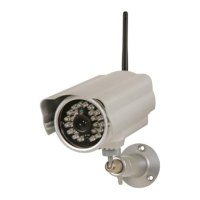
CAMIP21
V . 01 – 04/02/2015 5 ©V elleman nv
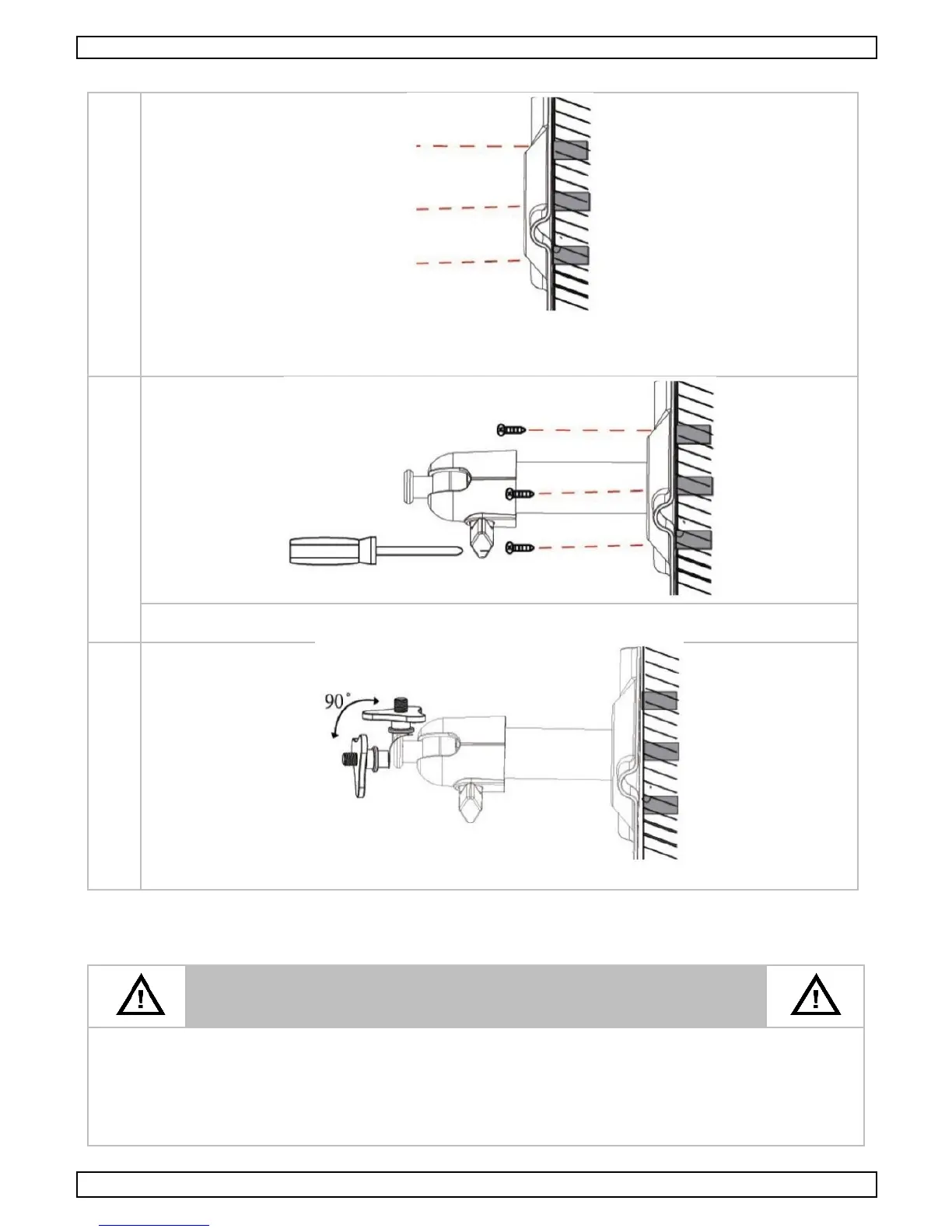
P roceed as follows:
T ake the hole meas urements based on the c amera s tand. P re-drill a hole with the 5 mm drill
bit and drill the final hole with the 15 mm bit. Next, plac e a nylon plug (inc luded) in each hole.
A ls o provide a hole for the power c able.
Sec ure the c amera s tand on the s urface us ing the inc luded screws and a #2 P hillips
screwdriver. M ake s ure not to overtighten the s crews as this may damage the c amera s tand.
Loosen the thumbs crew. A djus t the proper angle and s ecure with the T -bolt.
7. Operation
7.1 Before You Start
Before c onnec ting your CAMIP21 camera to the power s ourc e, firs t
connect it to your Wifi router us ing the inc luded E thernet c able.
A fter the camera is connected to the router, c onnec t it to the power
source and wait until both the red and green LE Ds flash. Do not begin
the s etup proc ess until both LE Ds become s teady (roughly 4 5 s econds).
Follow the s teps in the following pages to c omplete the s etup.


 To Next Page