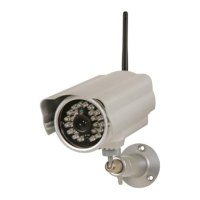
CAMIP21
V . 01 – 04/02/2015 7 ©V elleman nv
7.3 Live View, Snapshot and Recording
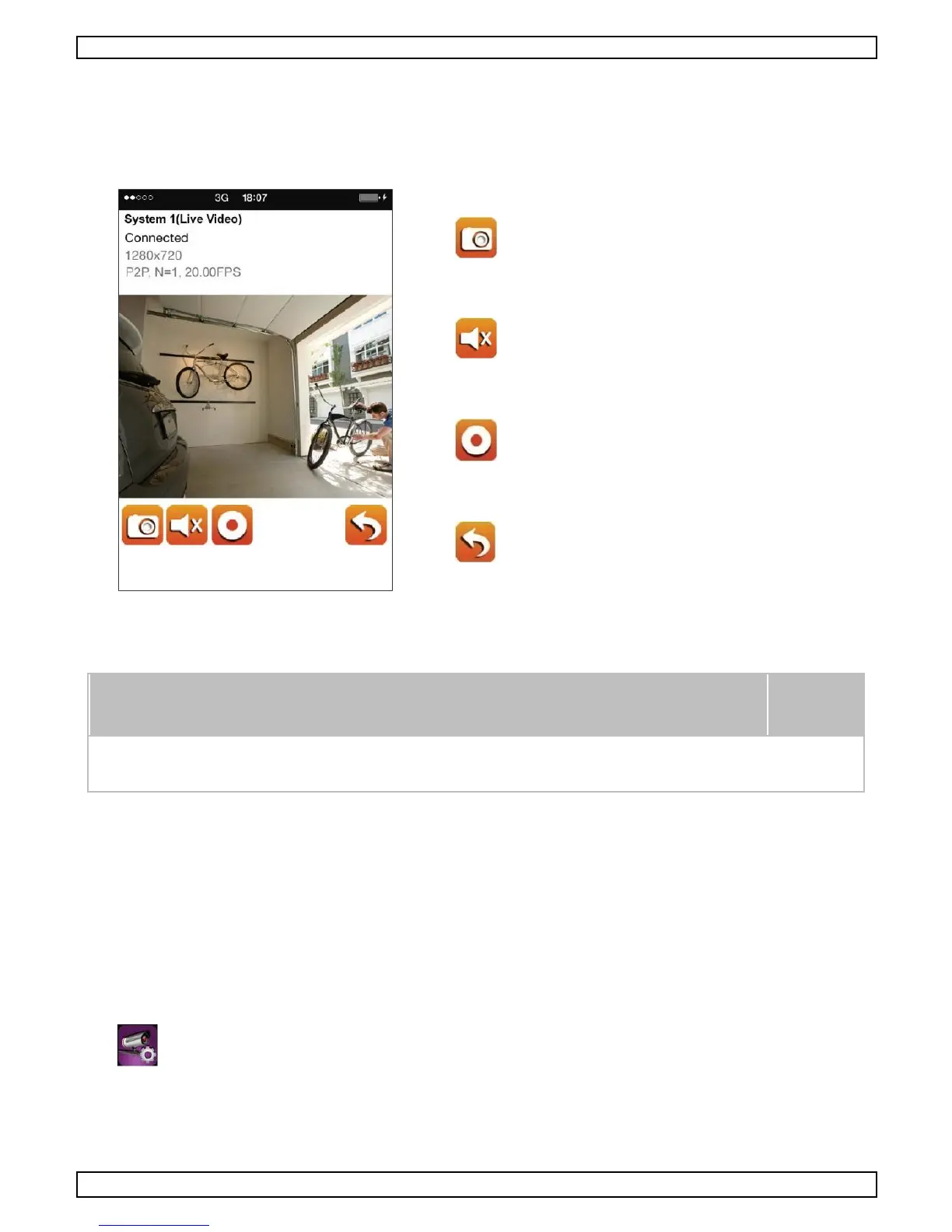
T he app allows you to have ac c ess to live video, take s napshot images and rec ord live video.
When launching the app on your mobile devic e, the image dis playing on the main s c reen is the very last
automatic ally captured snapshot from the live view of the previ ous established s ession. C lick the image
to enter live view mode.
T he c ontrols and layout of the app have been c us tomized to meet the operating s ystem requirements of
your mobile devic e. T he main page may vary depending on the device. By default, the live view is
dis played in portrait mode.
O nce the rec ording has started, either manually or by motion detec tion, the
app will c ontinue the rec ording for 1 minute. T he rec ording cannot be
stopped.
7.4 Viewing Your Snapshots
Y our snaps hots will be named with the time stamp and s aved into the C amera Roll location of
your mobile devic e.
Y our snaps hots will be named with the time s tamp and s aved into P hoto Gallery > Snapshot folder
of your mobile device.
7.5 Video Playback
T he recorded video files on your C AMIP21 c amera are automatically s aved onto the memory c ard
ins erted in the camera. Y ou c an remotely access the files for playback via your mobile device.


 To Next Page