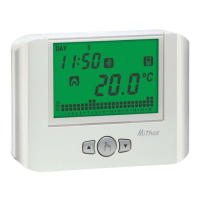
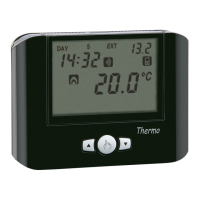
- 20 -
Iride Chronothermostat User Manual
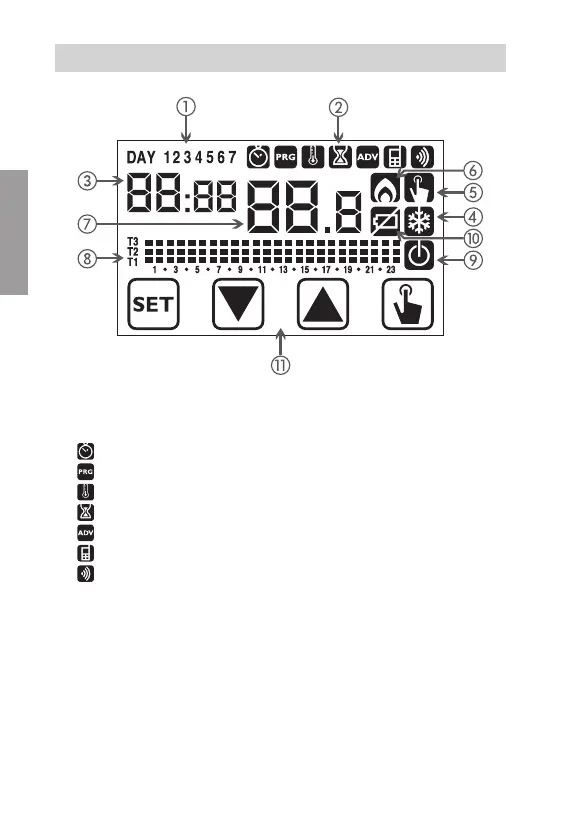
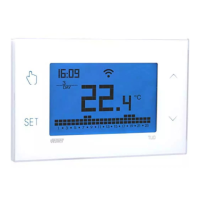
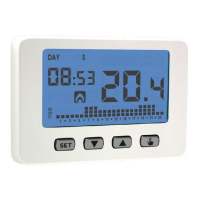
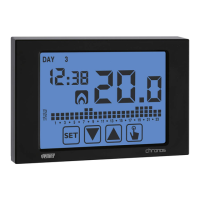
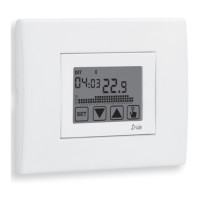
① Day of the week (DAY 1= Monday)
②
Programming menu
:
: date/time and summer time setting
: programs change mode (for automatic operating)
: temperatures setting T1, T2, T3
: timing menu
: advanced programming menu
: not used
: not used
③
Time and minutes
④
Load activation in summer mode/ cooling
⑤
Manual operation activation
⑥
Load activation in winter mode/heating
⑦
Measured environment temperature
⑧
Program on graphic for the current date (in automatic operation)
⑨
Off operation
⑩
Depleted battery indication (only batteries model)
⑪
Keyboard (active only if the device is inserted in the flush-mounting box)
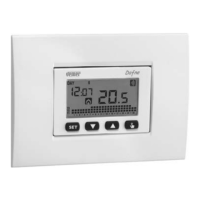
DISPLAY AND KEYBOARD
English


 To Next Page