- 22 -
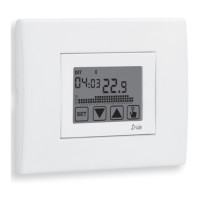
Iride Chronothermostat User Manual
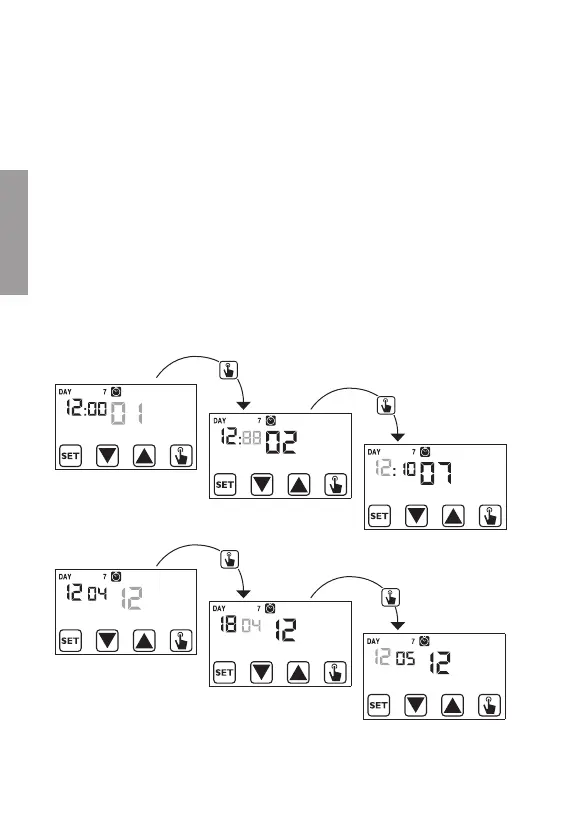
• Clock setting
Once the device is mains powered, synchronise the clock (time and date insertion).
The parameters to enter are the following:
seconds (only synchronisation at value 00), minutes, hours, year, month, day.
Seconds synchronisation
Minutes setting
Time setting
Year setting
Month setting
Day setting
the diagram “adjustable cover plates” and they are:
- mount A
- mount B (according to the needs it could be necessary to remove the side cogs)
- mount AIR
- couple of side BM plastic elements (both of white colour and grey colour)
- couple of side elements VI (both of white colour and grey colour)
- covers of white colour and anthracite grey colour.
Attention: it’s not possible to make no programming or to set parameters
modification until the instrument is not correctly placed in the
flush-mounting box.
English


 To Next Page