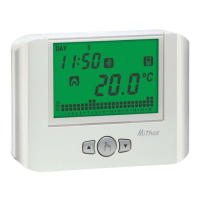
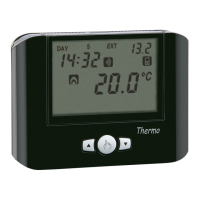
- 23 -
Iride Chronothermostat User Manual
Use the keys and to increase and decrease the values and the key to
confirm and to move to the next parameter.
Once all values are set, press for a long time (3 seconds) the key
to exit the menu
of the clock synchronisation.
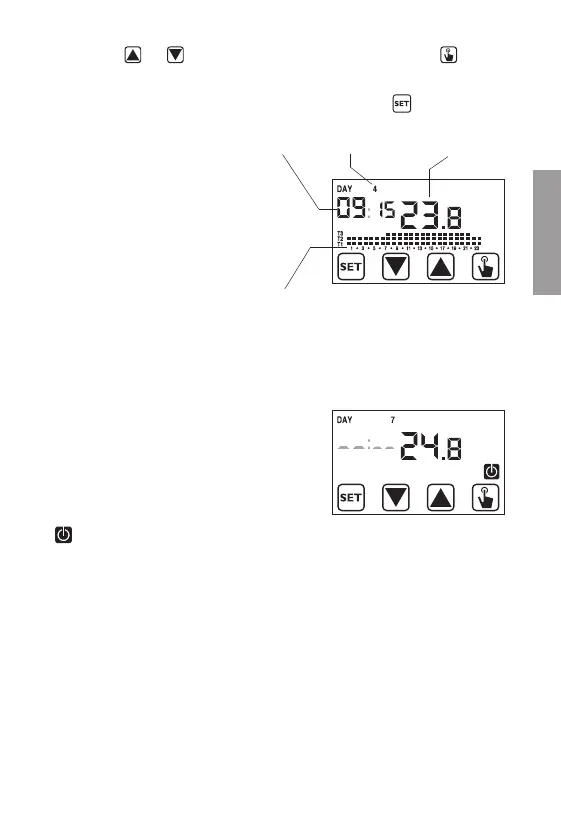
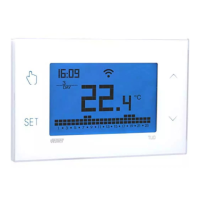
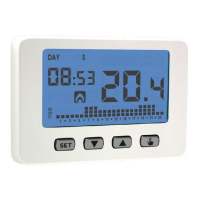
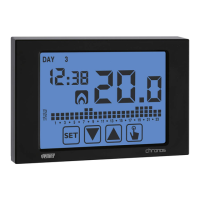
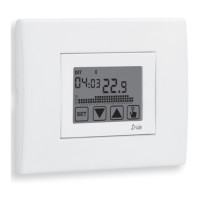
At this point the chronothermostat
will begin to operate with the set
default parameters (see page
42), displaying the day of the
week, the time, the environment
temperature and the graphic of
the program on.
Attention:
To operate correctly the
chronothermostat requires the time
and date insertion.
If once mains powered, no value is
set within about 30 seconds, the
chronothermostat begins to operate in
off mode, displayed with the symbol
.
The time lack is displayed with flashing dashes ( _ _:_ _ ).
The chronothermostat remains in off operation condition until when the hour
is not inserted, ensuring in this way the saving of the antifreeze temperature
(6°C).
In this condition, the pressure of any key reactivates the menu of date/time
insertion for other 30 seconds about.
DAY
TEMPERATURE
PROGRAM
GRAPHIC
HOUR
English


 To Next Page