- 35 -
Iride Chronothermostat User Manual
BACKLIGHTING MANAGEMENT
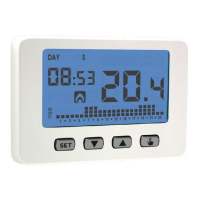
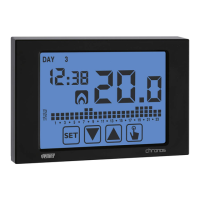
The chronothermostats of the Iride series have got a backlit display with led. There are
some differences between battery powered models and mains powered models.
Battery Iride
The battery powered model has got a backlighting of blue colour, which is activated
only if they are inside any menu of programming or if any key is pressed. In normal
operating status the backlight results off.
This behaviour is not modifiable.
Iride 230V~
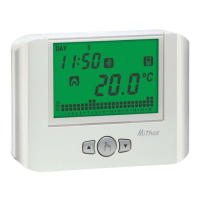
The 230 V model has got a multicolor backlighting which can be configured according
to the preferences’ user.
The possible configurations for the backlighting are the following:
• RGB (RGB) in this case the backlighting changes following the difference
between the measured temperature and the programmed setpoint. In
particular, it will be
:
- blue, if the measured temperature is lower than the programmed setpoint
of at least 0.5°C (or we are inside any programming menu)
- green, if the difference between the measured temperature and the setpoint
is, in absolute value, lower than 0.5°C (or if the device is in off mode)
- red, if the measured temperature is higher than the setpoint of at least
0.5°C (or in case of probe error)
• BLUE (BLU) in this case the backlighting will be blue fixed
• GREEN (GRE), in this case the backlighting will be green fixed (blue inside
programming menu)
• RED (RED), in this case the backlighting will be red fixed (blue inside
programming menu)
• OFF (0FF), in this case the backlighting is always off (blue inside
programming menu). Useful for example in bedrooms.
It’s possible to configurate the backlighting pressing the key
for 3
English


 To Next Page