- 29 -
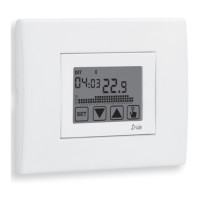
Iride Chronothermostat User Manual
5. Once all parameters are set , to exit and to go back to the programming menu,
press for a short time the key
.
To exit and to go back to the normal operation (automatic, manual) press for a long
time the key
or wait for the time-out expiration (30 seconds about).
If a timing is active, the display shows the symbol
.
To interrupt a timing, access again the menu and set the value 00.
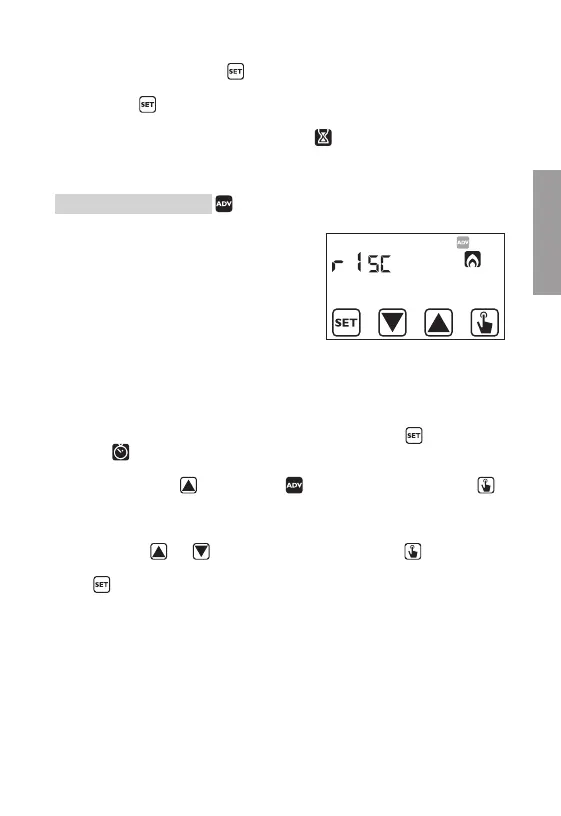
Advanced functions menu
With the ADV menu it’s possible to modify the
following operation parameters:
- operating mode (heating or cooling)
- regulation type (on-off or proportional)
- parameters relative to regulation type
- antifreeze temperature
- password for key lock
- system operation hours.
To access the menu ADV:
1. From the normal operation display, press for a long time the key
until the
symbol
starts flashing on field (2)
2. Press briefly the key
until the symbol starts flashing and press the key
to access the parameters modification
3. At this point the first parameter of the menu starts flashing:
press the keys
and to modify the parameter and the key to confirm
and to move to the next parameter. To exit the parameters modification press the
key
.
English


 To Next Page