- 25 -
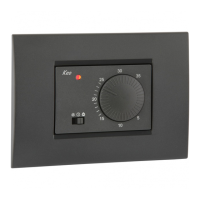
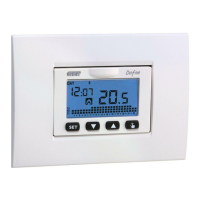
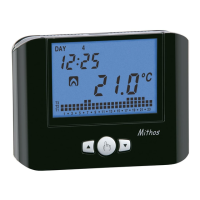
Iride Chronothermostat User Manual
Programs modification
With this menu it’s possible to modify the programming of the automatic operation.
The device is configured to perform the program P1 from Monday to Friday and P2 on
Saturday and on Sunday (the programs profile is described at the end of this manual
on page 43-44)
If this programming doesn’t satisfy the user needs it’s possible to change it.
To modify the programming:
1. From the normal operation display, press for a long time the key
until the
symbol
starts flashing on field (2)
2. Press briefly the key
until the symbol flashes and press the key to
access the parameters modification.
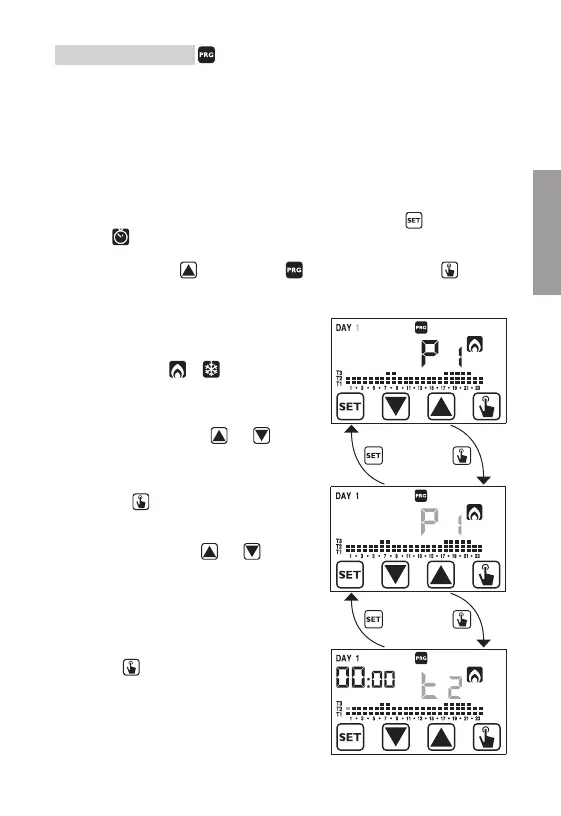
3. The programs page is displayed:
the first day of the week (DAY 1) flashing,
the current program (for example P1) of
the current mode (
or ) and the
corresponding profile of the program.
3.1. If the set program is good, move to the
next day with the keys
and .
3.2. If the set program is not good, press
the key
.
The set program flashes: choose one
program different among the 7 available
by pressing the keys
and .
3.2.1. If no program exactly satisfies the
user’s needs, choose any program
which best meet them and press the
key
to access the modification of
the program profile.
On field (3) 00:00 appears while on
field (7) flashes the temperature level
(T1, T2 o T3) set for that specific time
(00:00).
English


 To Next Page