35
Menu Settings (Cont.)
Hearing Impaired
Press the / buttons to select this item and press the / buttons to turn it
on/off. When this function is switched on, captions will be displayed on the screen
that describe the audio or soundtrack of a program (if available for this program) to
allow viewers who are deaf or hearing impaired to follow the dialogue and action
simultaneously.
NOTE: This function works only for programs that contain related caption information.
Blue Screen
Press the / buttons to select this item and press the / buttons to turn it on/
off. When this function is switched on, the screen background will turn blue at very
weak or no signal condition.
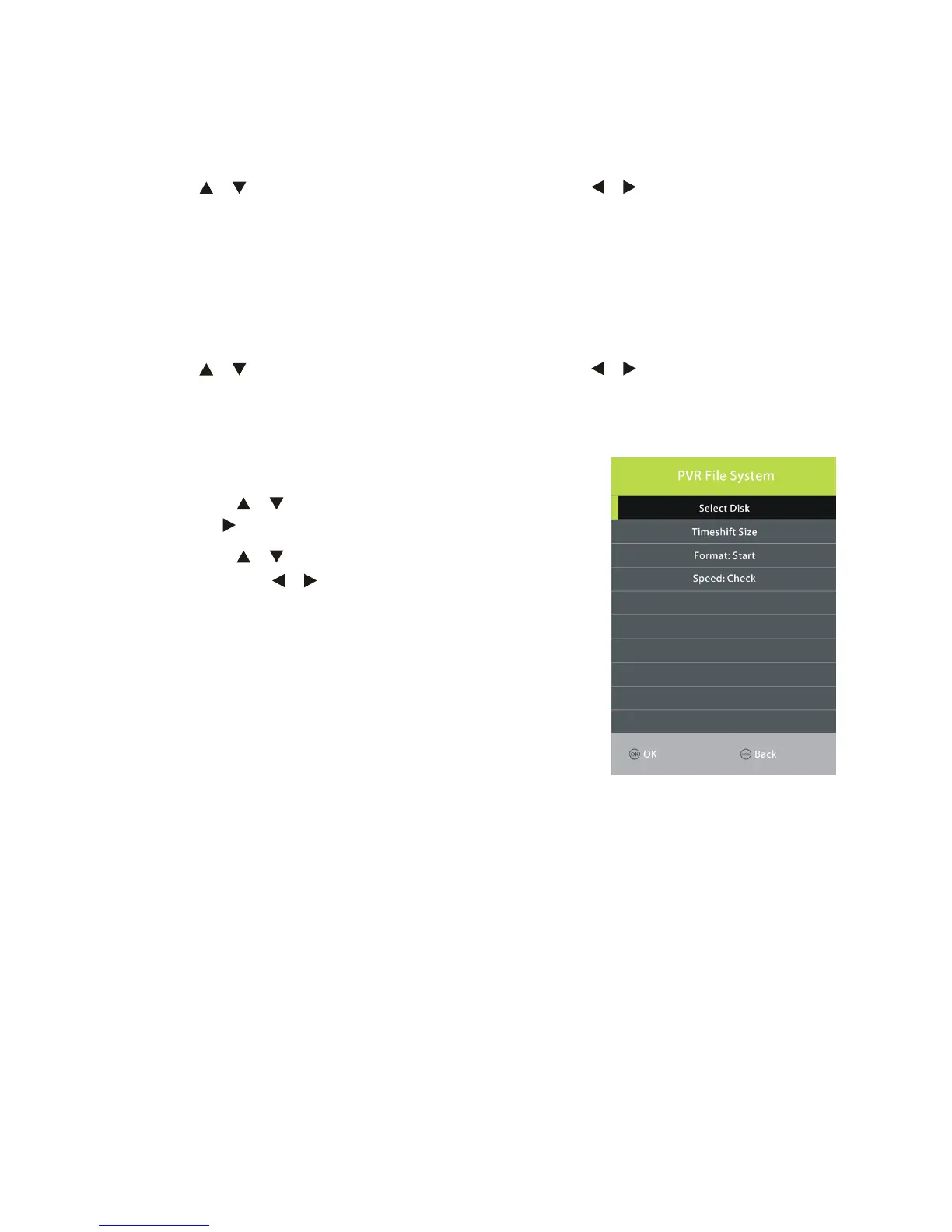
PVR File System
• Press the / buttons to select this item and press
the OK/ button to enter the submenu.
• Press the / buttons to select the desired option
and press the / buttons to adjust it.
• Press the OK button to confirm the setting.
In this part, you can select the desired disk, check speed,
format your USB memory device or set desired Timeshift
size.



 To Next Page