User Guide M440 & M424
35
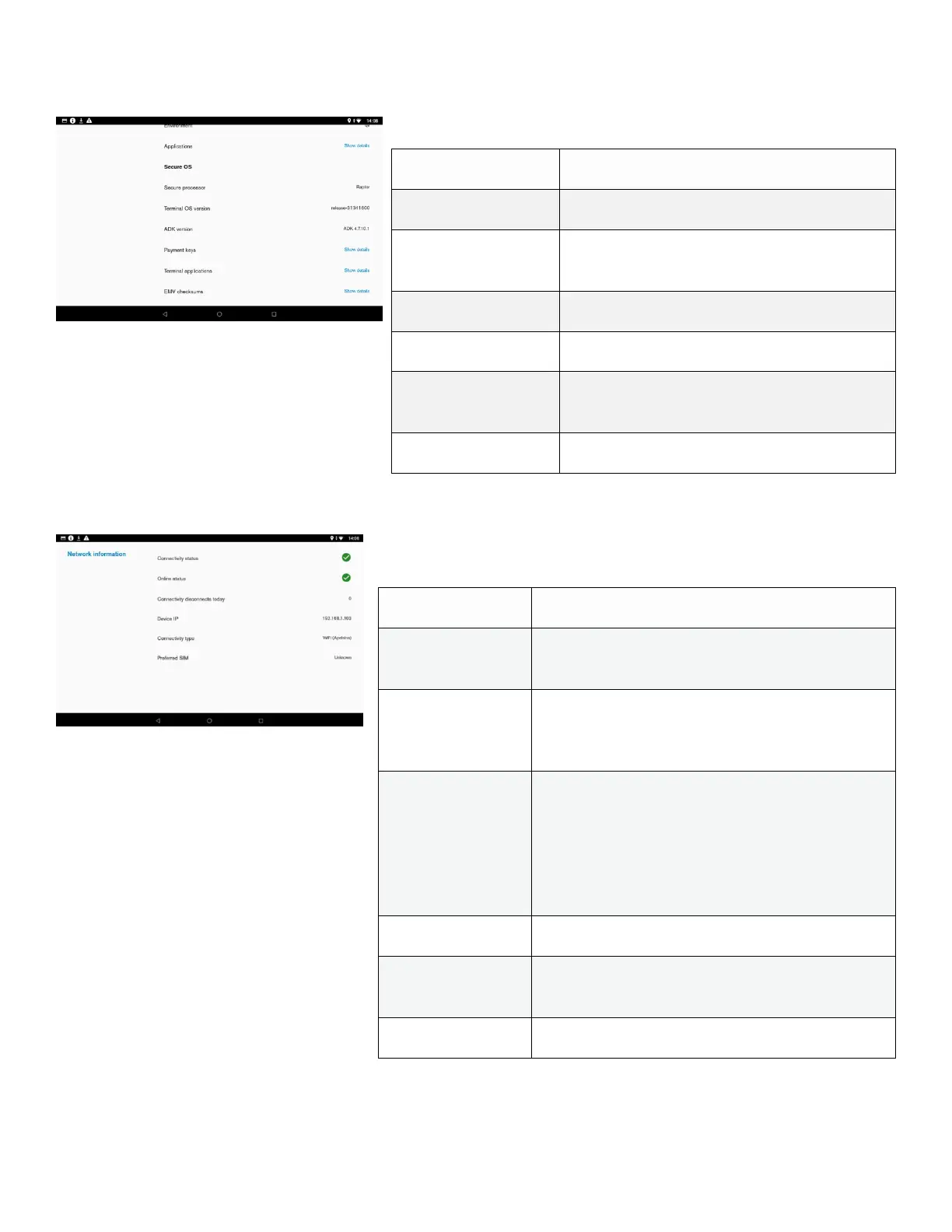
Engage Software Details:
Description
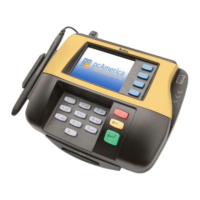
Network information shows general information about network.
Shows the name of secure processor
VOS version installed on the engage chip
Shows installed payment keys
Pop-up with list of all installed bundles and
their version on the engage
Shows if there is data network connection,
such as Wi-Fi/ethernet/mobile.
Shows if device can reach external IP address
to make sure selected network has actual
internet connectivity.
Connectivity
disconnects
today
Count of data connection disconnects since
midnight, specified as when the network state
changed from CONNECTED to DISCONNECTED
state. Example would be if the device
momentarily loses Wi-Fi connectivity, or
switches from Wi-Fi to mobile.
Current assigned device IP address
Current data connection type (Wi-Fi with
access point name / Ethernet / Mobile)
Network name of preferred SIM card, if in use













 To Next Page