Description
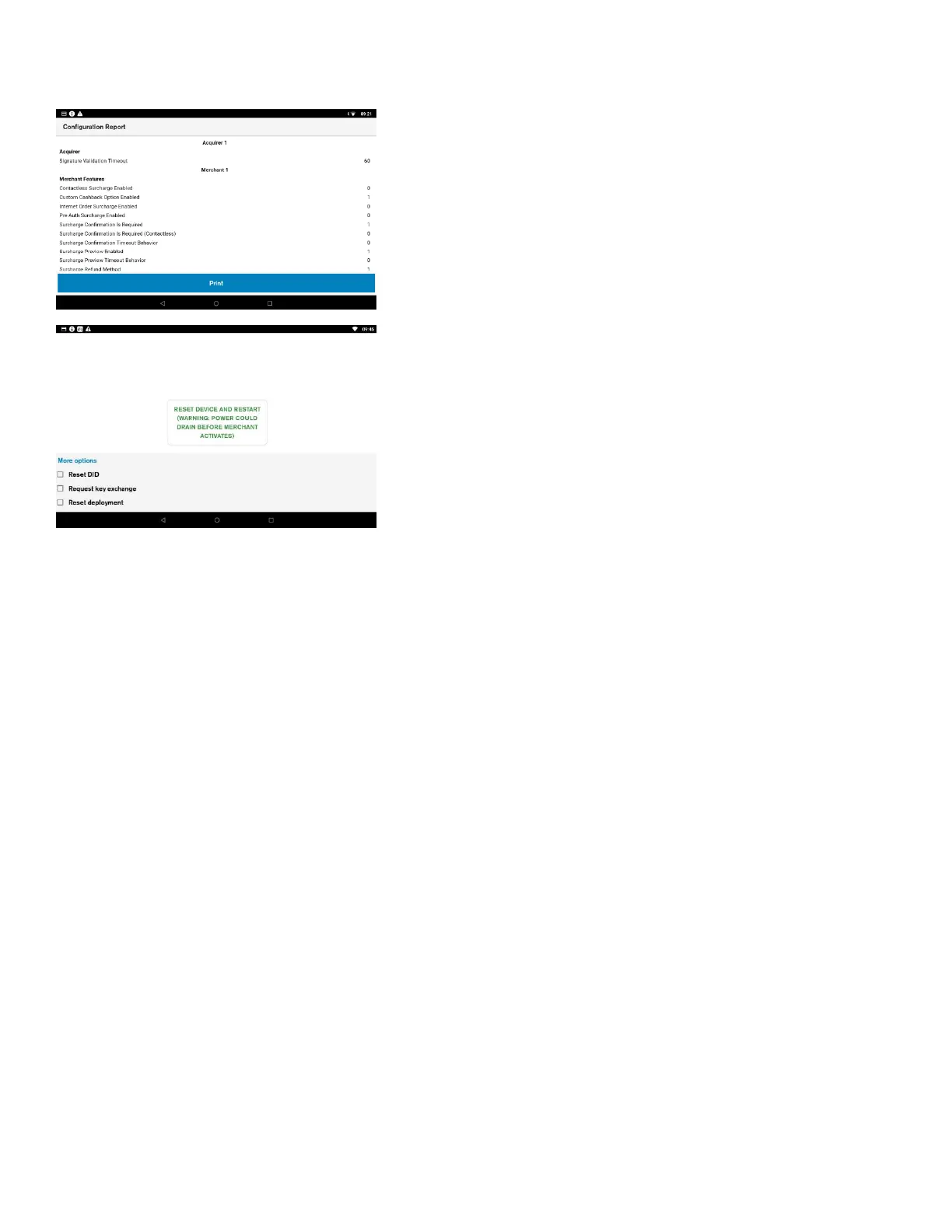
Configuration Report shows current configuration for the device.
User action
Before viewing the configuration report, the device will ask the
user to enter the manager passcode.
The User can view and print the configuration report.
Description
Reset setup wizard allows the user to reset the whole OOB
process.
User action
Before resetting the setup wizard, the device will ask the user to
enter the admin passcode.













 To Next Page