12 MX 900 Series Installation Guide
May 13, 2015
Installing MSAM or SD Cards
Often merchants are issued MSAM or SD cards to run small applications, such as
loyalty programs. The MX 900 Series terminals support microSD cards up to 32GB
and up to three MSAM cards. MSAM and SD cards are used only with MX 900
Series terminal smart card configurations. Follow the steps below to install
smart cards (MSAM or SD cards).
1. Unplug the power pack from the multiport cable or unplug from the I/O
module if no multiport cable is present.
2. Place the terminal upside down on a soft, clean surface to protect the
glass cover from scratches.
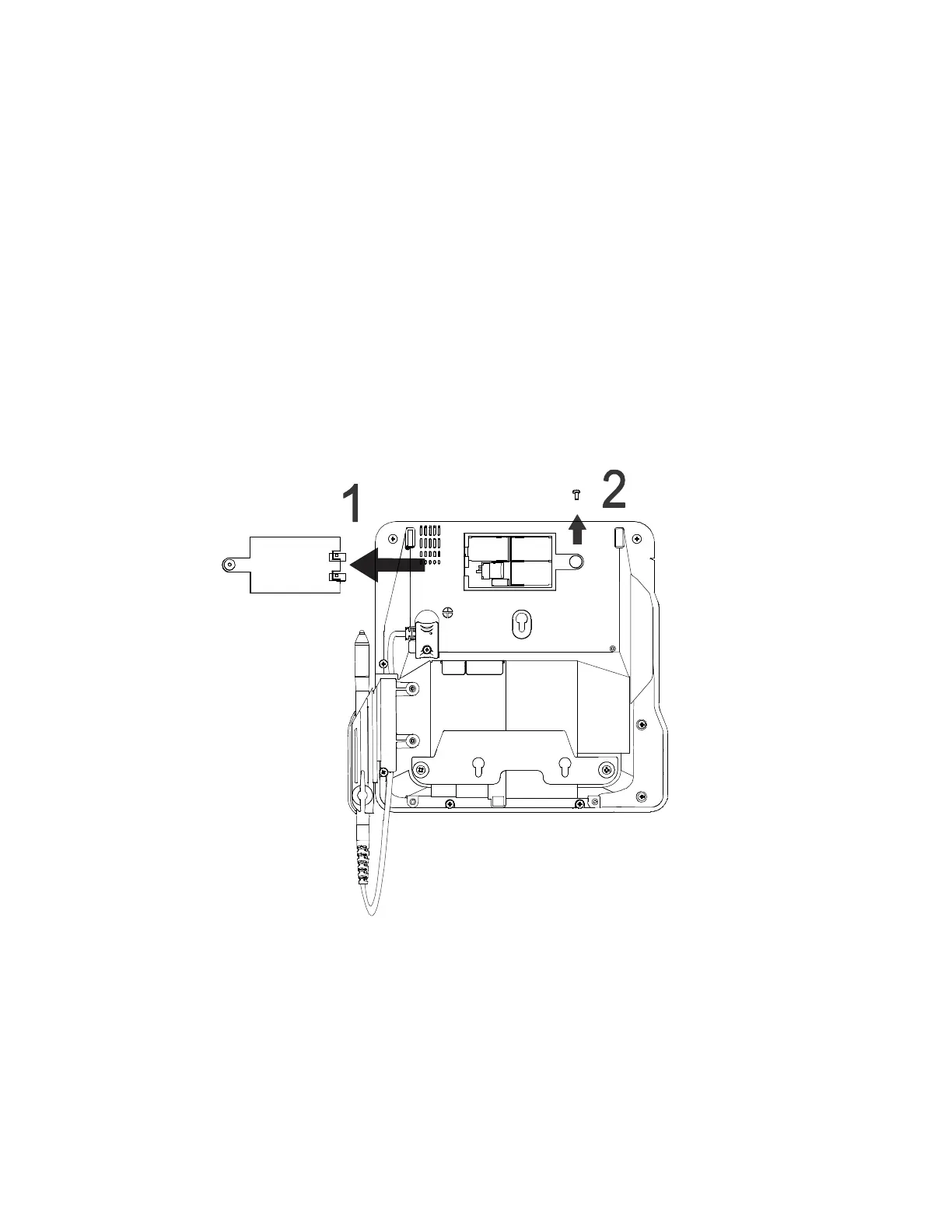
3. Remove the card compartment door screw and rotate the door up and
back to access the SD and MSAM cardholders.













 To Next Page