May 13, 2015
2 HARDWARE INSTALLATION
This chapter describes the MX 900 Series installation procedures and includes
connection examples.
Unpacking
Open the shipping cartons and carefully inspect the contents for possible
tampering or shipping damage.
Warning: Do not use a damaged terminal.
To unpack the shipping carton
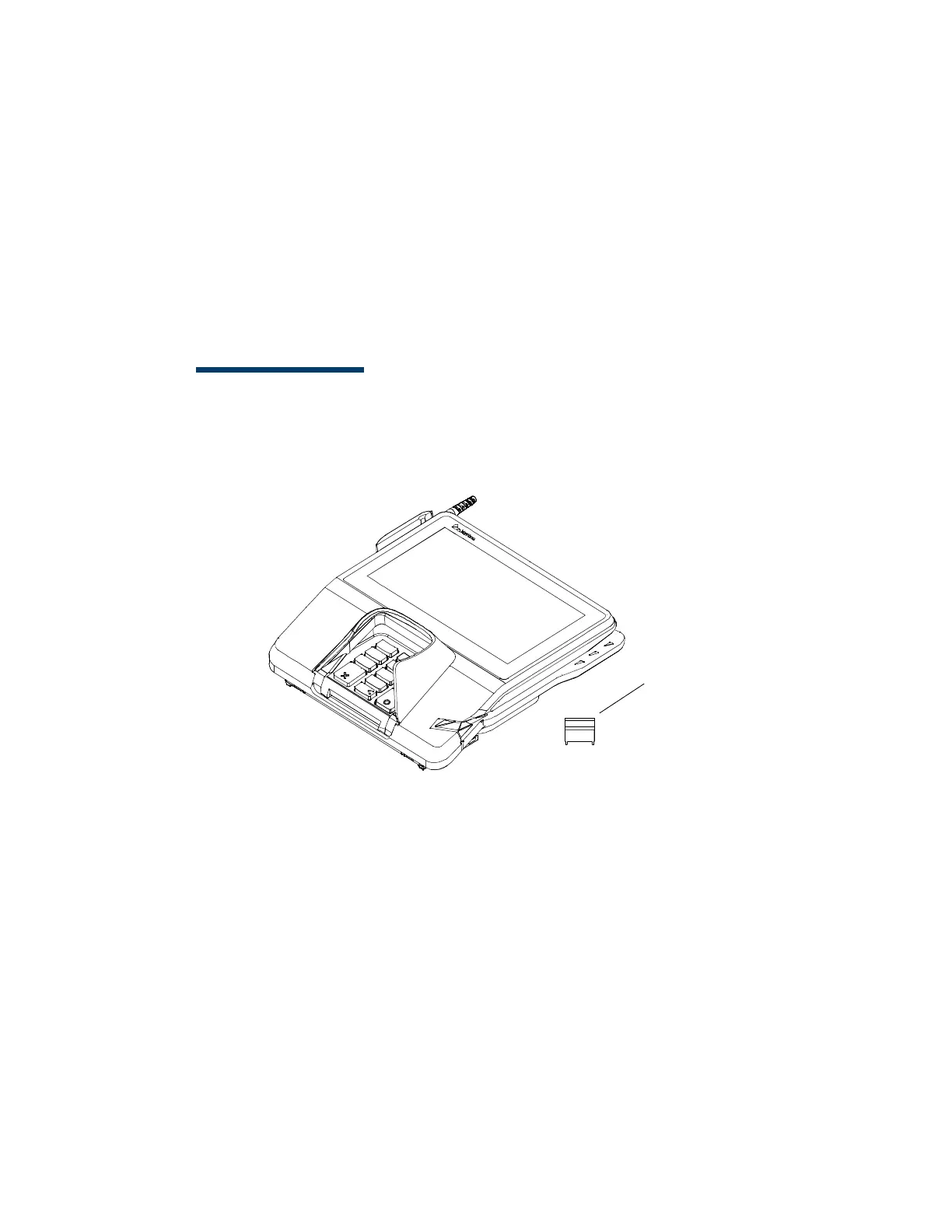
1. With the shipping carton right side up, open the top and remove all items
from the carton:
– Terminal unit
–Berg retainer
2. Remove the protective plastic wrap from the display.
3. Place the components on a table or countertop.
4. Save the shipping cartons and packing material for repacking or moving
in the future.













 To Next Page