SYSTEM MODE
System Mode Menus
P200/P400 R
EFERENCE GUIDE 27
Home > Information > Software
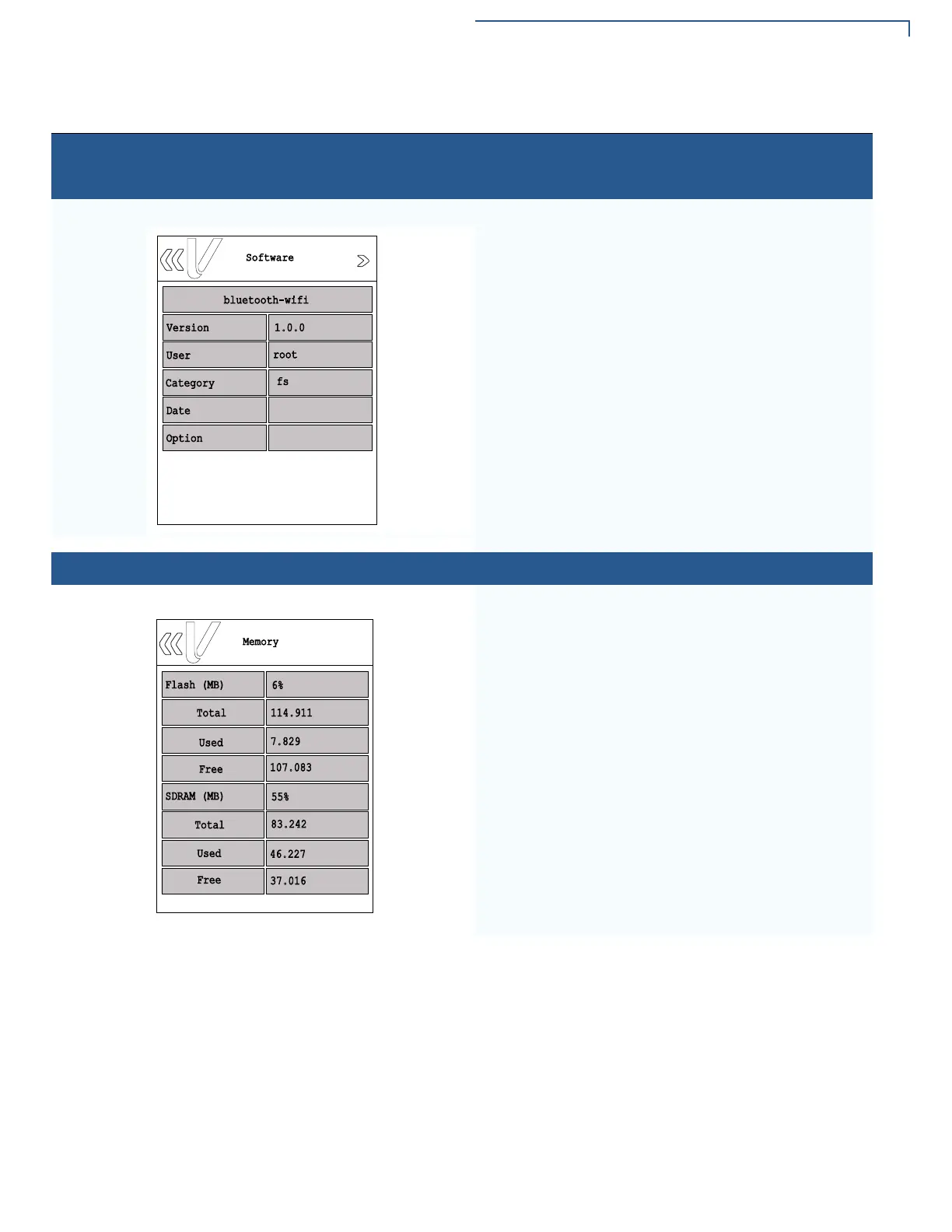
To view installed software driver information, select
Information from the main System mode menu and
then select the Software panel.
Scroll through the screen using the touch screen
function or use the left and right arrow keys provided at
the top portion of the screen.
Note: Information provided in this screen may vary
depending on the terminal used.
Home > Information > Memory
To view memory information, select Information from
the main System mode menu and then select the
Memory panel.
The sample screen provided on the left displays the
total, used, and available SDRAM and NAND flash
memory.
Note: Information provided in this screen may vary
depending on the terminal used.
Table 5 System Mode Submenus (continued)
Display Action
Software
bluetooth-wifi
Version 1.0.0
User
Category
Date
Option
root
fs
Memory
Flash (MB)
6%
Total 114.911
7.829
107.083
83.242
46.227
37.016
55%
Used
Free
SDRAM (MB)
Total
Used
Free














 To Next Page