SYSTEM MODE
System Mode Menus
28 P200/P400 REFERENCE GUIDE
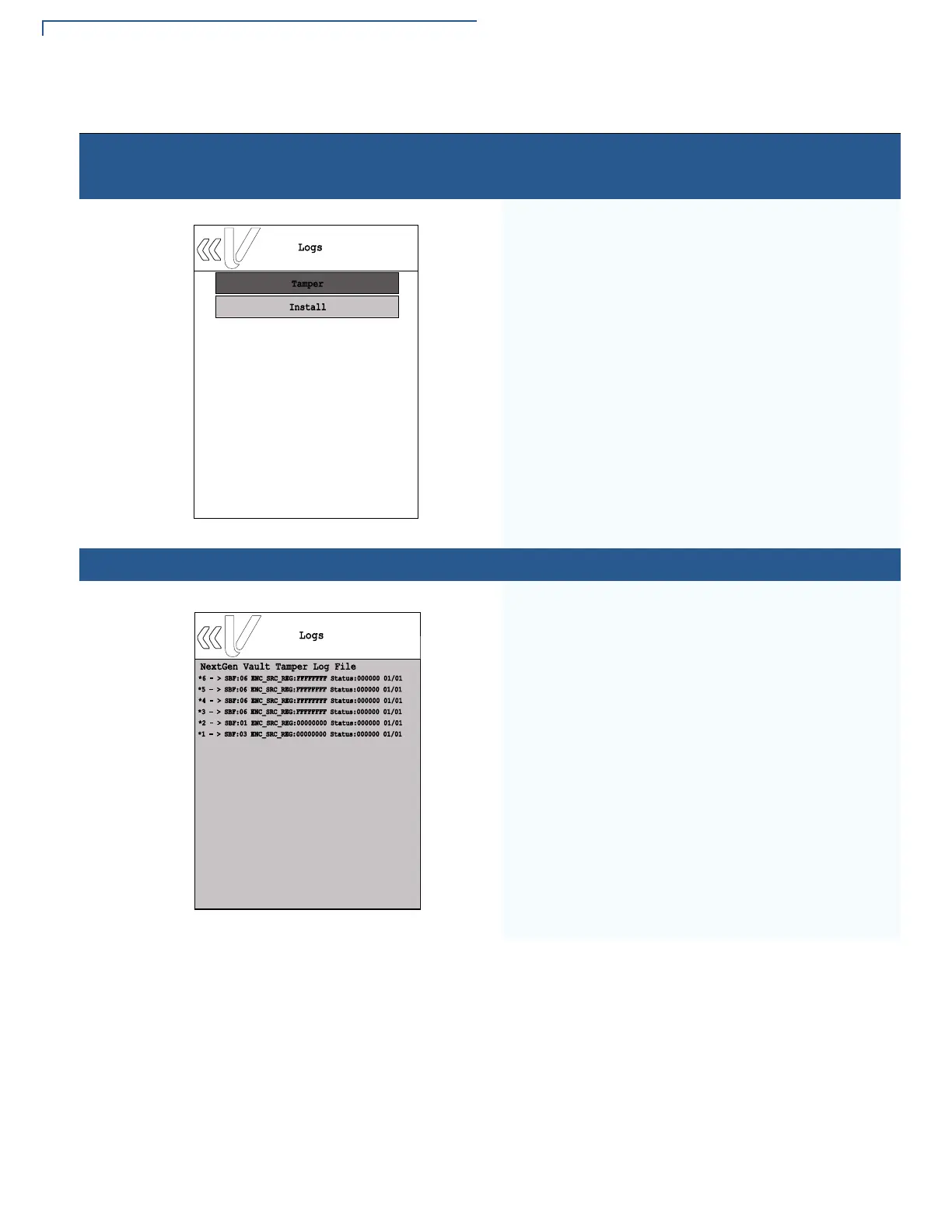
Home > Information > Logs
To view logs of tamper and installation history, select
Information from the main System mode menu and
then select the Logs panel.
Home > Information > Logs > Tamper
Sample Tamper log screen.
Table 5 System Mode Submenus (continued)
Display Action
Logs
NextGen Vault Tamper Log File
*6 - > SBF:06 ENC_SRC_REG:FFFFFFFF Status:000000 01/01
*5 - > SBF:06 ENC_SRC_REG:FFFFFFFF Status:000000 01/01
*4 - > SBF:06 ENC_SRC_REG:FFFFFFFF Status:000000 01/01
*3 - > SBF:06 ENC_SRC_REG:FFFFFFFF Status:000000 01/01
*2 - > SBF:01 ENC_SRC_REG:00000000 Status:000000 01/01
*1 - > SBF:03 ENC_SRC_REG:00000000 Status:000000 01/01














 To Next Page