13
© VeriFone, Inc. All rights reserved.
Installation Guide P400/P400 Plus
Contactless
Considerations
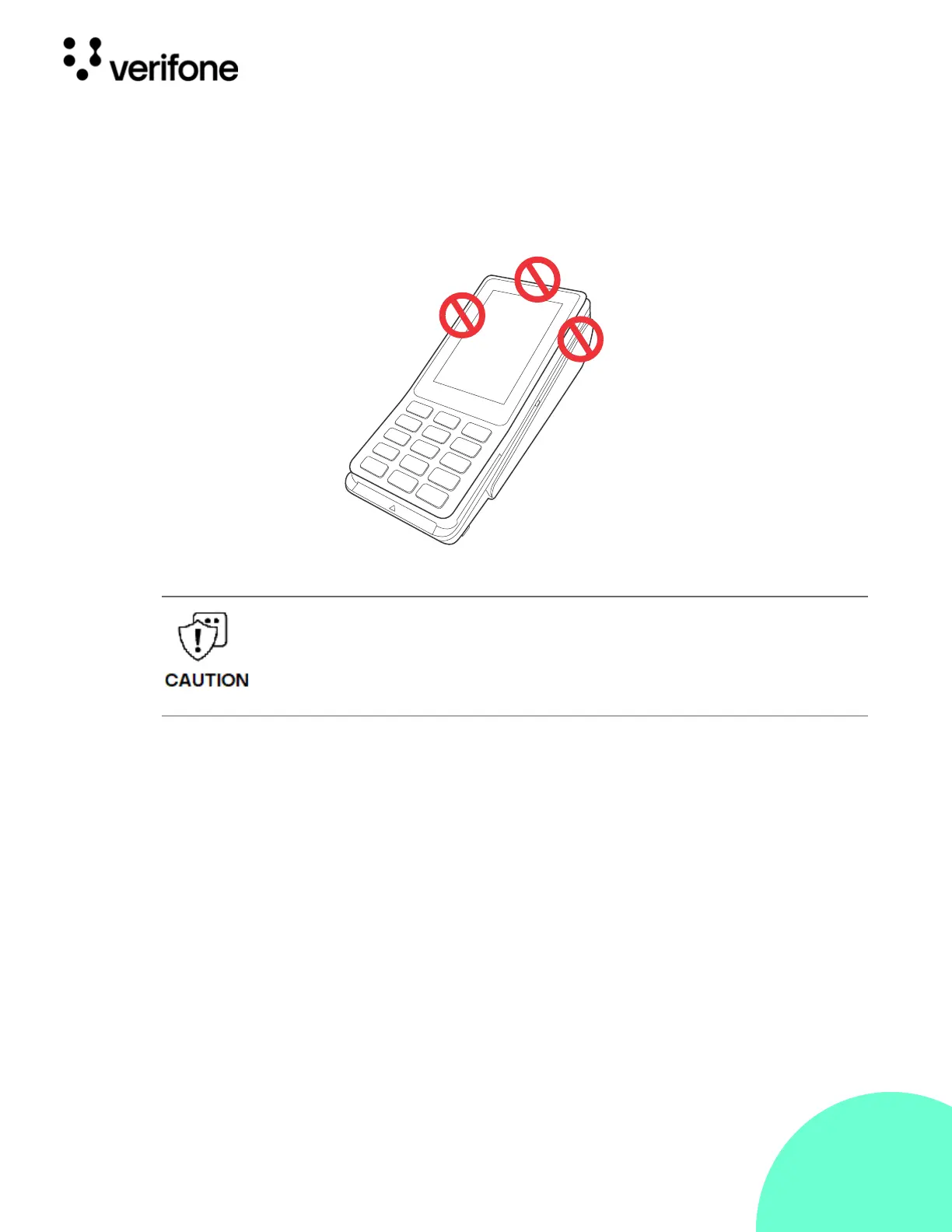
Avoid having metallic objects in proximity of the contactless antenna. If you
need to mount the terminal to vertical or inclined surfaces, use a flat,
non-metallic mounting plate.
Figure: 2 Areas To
Avoid Metal
Contact
PIN Protection
Measures
Use the following techniques to provide effective screening of PIN-entry
devices (PEDs) during the PIN-entry process. You can use these methods in
combination, although in some cases a single method might suffice.
• Position the terminal on the check-in stand in such a way as to block visual
observation of the PIN-entry process. Examples include:
• Visual shields designed for the check-in stand. The shields may be solely
for shielding purposes or may be part of the general check stand design.
• Position the PED so that it is angled in such a way that PIN spying is
difficult.
• Install the PED on an adjustable stand that allows consumers to swivel the
terminal sideways and/or tilt it forward/backward to a position that makes
visual observation of the PIN-entry process difficult.
• Position in-store security cameras so that the PIN-entry keypad is not visible.
Using an enclosed metal frame or mount may negatively affect contactless
performance.
L'utilisation d'un cadre métallique fermé ou de montage peut affecter
négativement contact performance.


 To Next Page
 Loading...












