24
© VeriFone, Inc. All rights reserved.
Installation Guide P400/P400 Plus
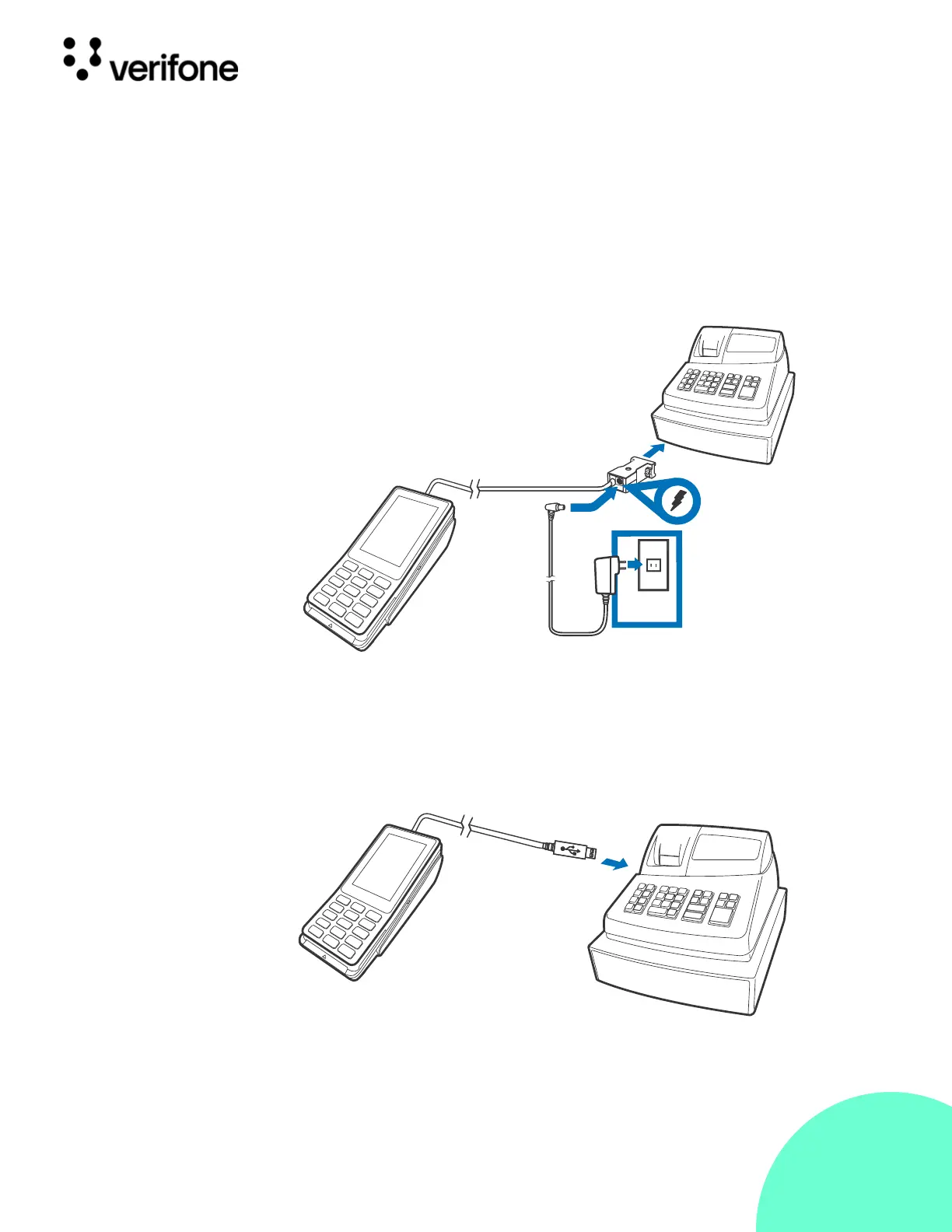
RS-232
Connection
Using an
External Power
Brick
A special dongle cable is used, where one end of the cable plugs into the
P400 while the other end terminates in a DB-9 connector housing. On the
housing, a DC jack is provided to connect to an external power brick. This is
a generic cable for all RS232-based hosts (VPN - CBL282-031-XX-A).
Figure: 11 Connecting
to RS232-
Based Host
Direct USB
Connection
Similarly, a USB cable (VPN - CBL282-038-XX-A) is required in standard
USB environments. For this cable option, the host end has a molded
housing which exposes the standard USB plug.
Figure: 12 Connecting
to USB-
Based Host



 To Next Page
 Loading...












