Section
67
English Español
PATTERN SELECTION
DIAL
The desired stitch will be
obtained by turning the stitch
selector, it can be turned
either to the right or to the left.
Note: When operating selec-
tor, make sure the nee-
dle is in the highest
position.
CONTROL PARA
SELECCIONAR LA
PUNTADA
Girar el control de izquierda a
derecha para seleccionar la
puntada que Ud. desee.
Nota: Siempre asegúrese de
que la aguja se encuen-
tre en su posición más
ata cuando se manio-
bre este control.
Francais Deutsch Dutch Italiano
SÉLECTION DES
PROGRAMMES DE POINTS
POSSIBLES
Pour obtenir le point désiré,
tournez le sélecteur de point
soit vers la gauche, soit vers
la droite.
Attention: Avant d’actionner le
sélecteur, assurez-vous que
l’aiguille est en position haute.
Musterwählknopf
(Programm-Selector)
Dieser Knopf wird entspre-
chend dem gewünschten
Muster gedreht, entweder nach
links oder nach rechts.
* Bitte beachten Sie, daß
beim Drehen des Muster-
knopfes die Nadel immer in
höchster Position steht.
STEEKKEUZEKNOP
De steek kiezen door de
keuzeknop te verdraaien.
De knop zal zowel rechtsom
als linksom worden gedraaid.
N.B.: Bij het instellen van de
keuzeknop, steeds nagaan of
de naald in de hoogste stand
staat.
PER INIZIARE A CUCIRE
SELEZIONE DEI PUNTI
Ruotate la manopola di
selezione dei punti sul punto
desiderato. La manopola può
girare verso destra o verso
sinistra.
Attenzione: assicuratevi che
l’ago sia in alto prima di
scegliere i punti.
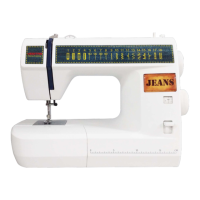
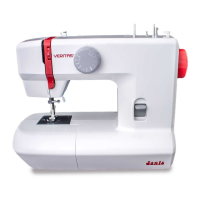
JSA18
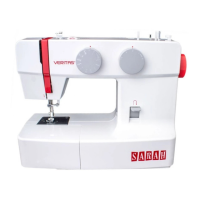
JSB21


 To Next Page