20
/ CONNECTING YOUR
VERIZON WIFI EXTENDER
©2023 Verizon. All Rights Reserved
D. After 10 minutes, the light on the Extender should turn solid
white, indicating the connection is complete.
Note: If home is wired for Ethernet, follow same steps as above
using an Ethernet cable instead of a coax cable.
2.0b/ WIFI INSTALLATION
A. Place the Verizon Wi-Fi Extender directly next to the Verizon
Router.
B. Take the Ethernet cable from the packaging and connect
one end to the LAN port on the Router and the other end to
the LAN port on the Extender.
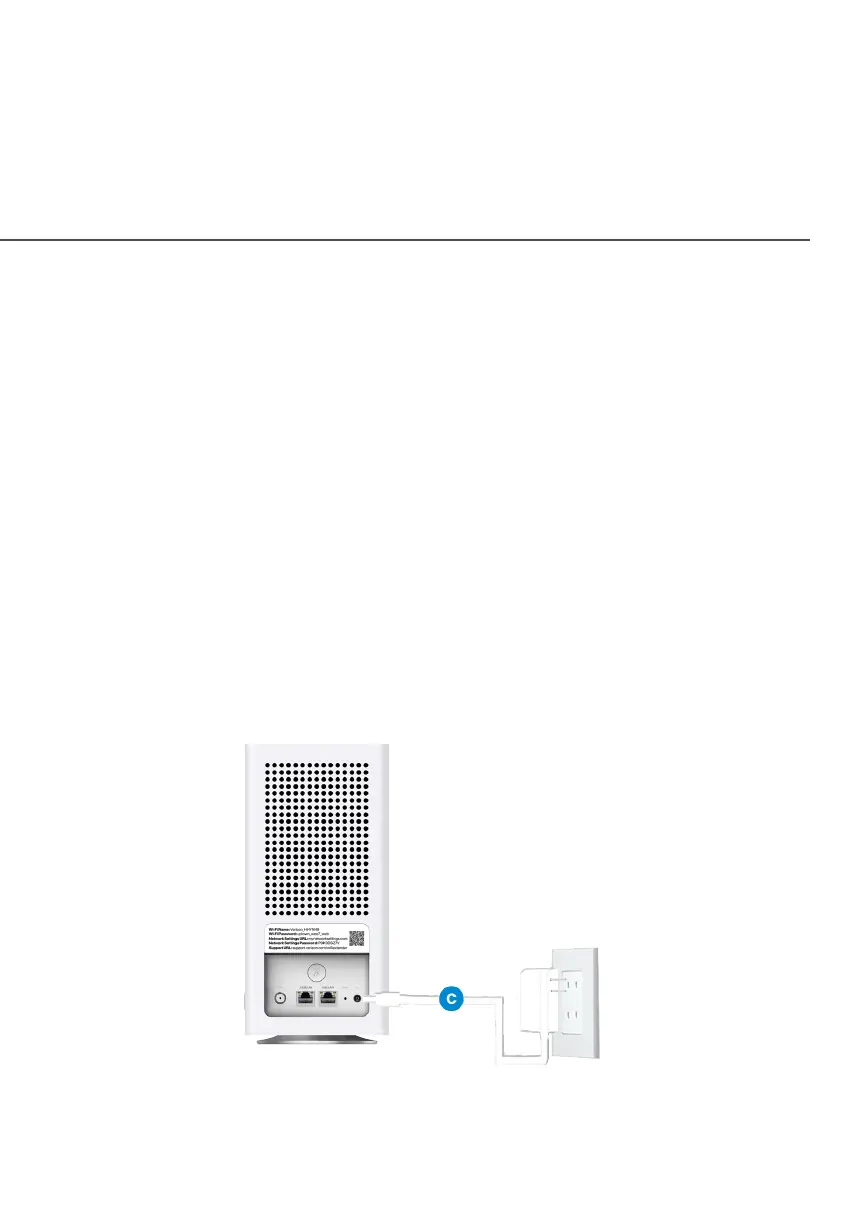
C. Connect the power cord to your extender then to an
electrical outlet.



 To Next Page