BACKHAUL LOGGING
4. Click Save Save to save changes.
5. To view a specific type of log event such as Security Log,
DHCP Log, etc., click the appropriate link in the menu on the
top.
6. To update the data, click RefreshRefresh.
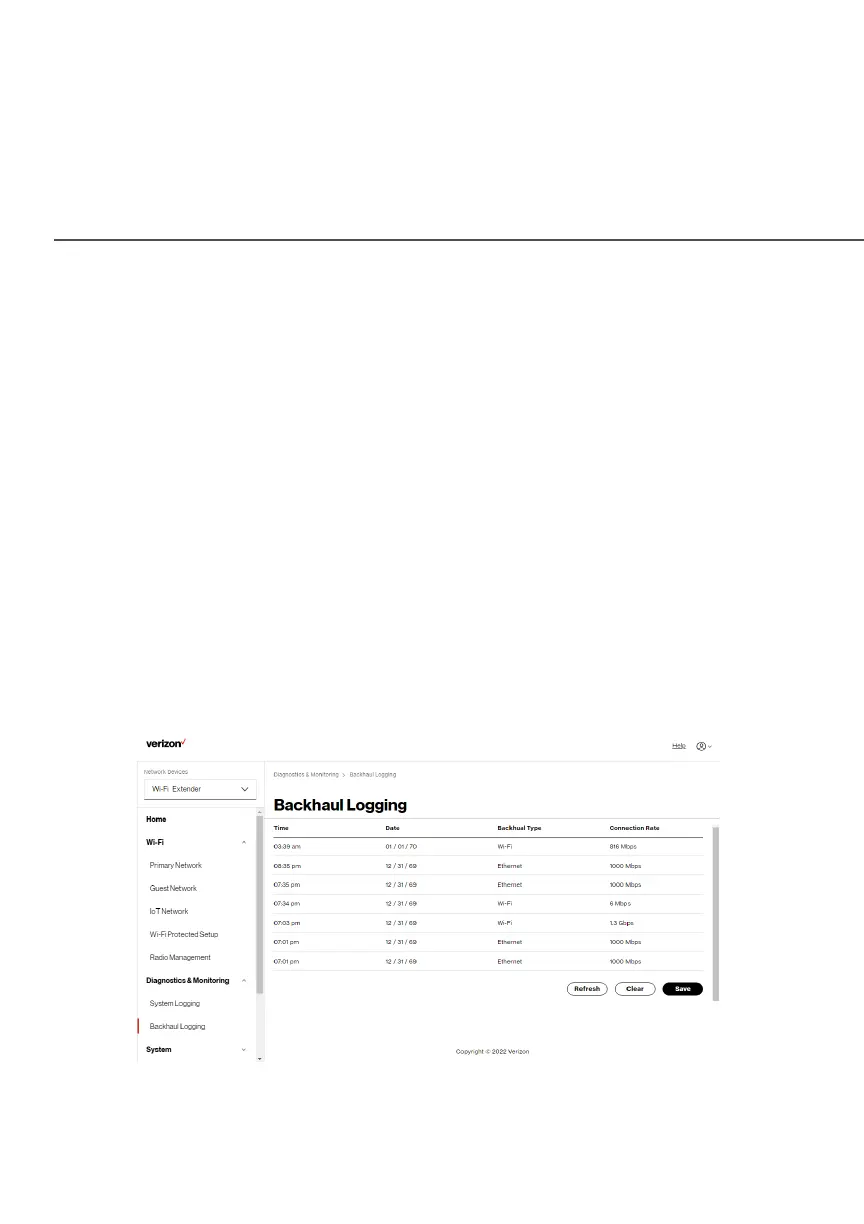
./ BACKHAUL LOGGING
You can view a summary of the BHM (backhaul modes: Ethernet,
coax and Wi-Fi) status of your Verizon Wi-Fi Extender.
To view the backhaul log:
1. Select Backhaul Logging Backhaul Logging in the Diagnostics & MonitoringDiagnostics & Monitoring
section.



 To Next Page