36
/ WIFI SETTINGS
©2023 Verizon. All Rights Reserved
Note: 802.11a, 802.11b, and 802.11g are legacy modes and are not
recommended. Even one such device connected to the network will
slow your entire Wi-Fi network.
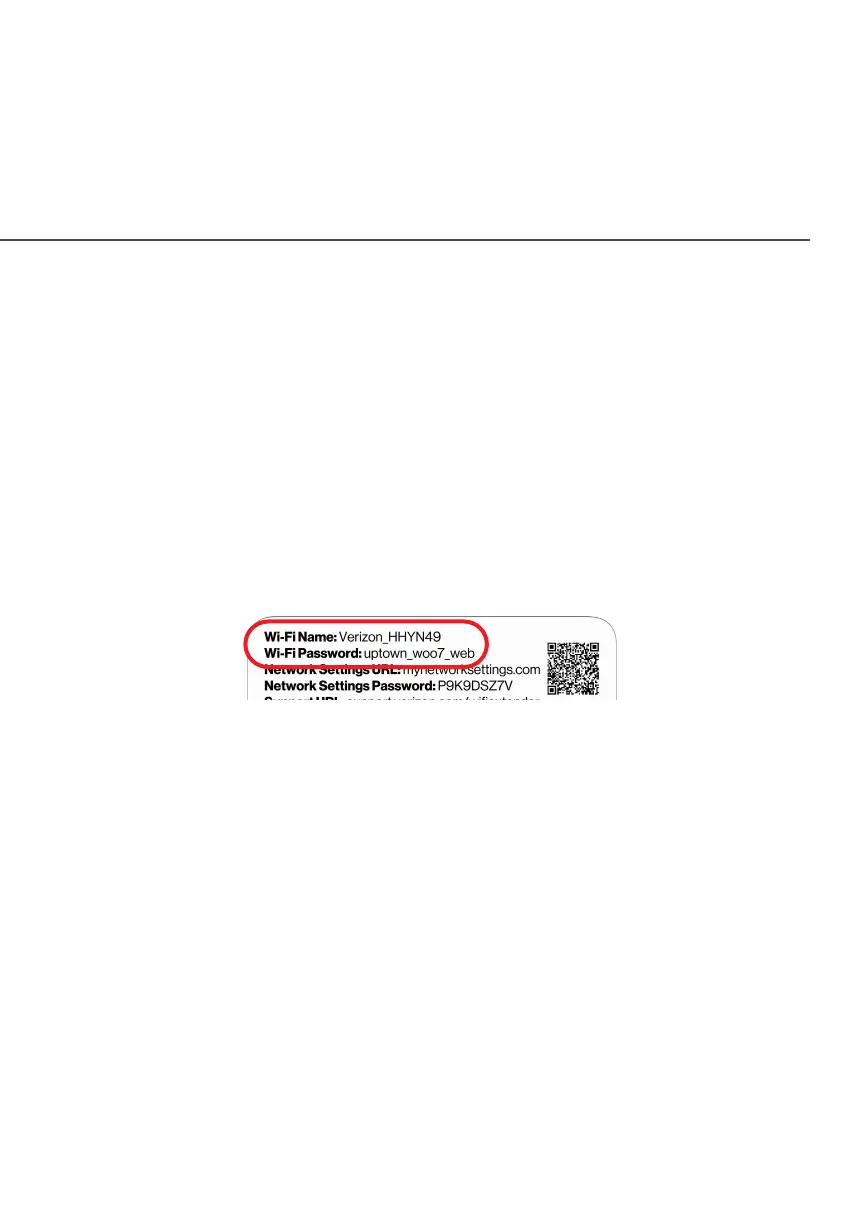
The Wi-Fi service and Wi-Fi security are activated by default. The
level of security is preset to WPA2 encryption using a unique default
WPA2 key (also referred to as a passphrase or password) pre-
configured at the factory. This information is displayed on a sticker
located on the rear of your router.
Your Extender integrates multiple layers of security. These include
Wi-Fi Protected Access, and firewall.
3.1/ PRIMARY NETWORK
You can view the security settings for either 2.4 GHz, 5 GHz or
6GHz of your Wi-Fi network.
Self-Organizing Network (SON) Wi-Fi EnabledSelf-Organizing Network (SON) Wi-Fi Enabled - allows for smart
roaming to provide reliable Wi-Fi network with full signal strength in
all areas.



 To Next Page