GUEST NETWORK
./ GUEST NETWORK
The Guest NetworkGuest Network is designed to provide internet connectivity
to your guests but restricts access to your primary network and
shared files. The primary network and the guest network are
separated from each other through firewalls. Guest Wi-Fi Guest Wi-Fi can be
managed using the Verizon Router’s web interface. If you want
to enable/disable your Guest Wi-FiGuest Wi-Fi or to change the Guest Wi-Fi Guest Wi-Fi
SSIDSSID (Name) or PasswordPassword, please log into the Verizon Router’s web
interface for management.
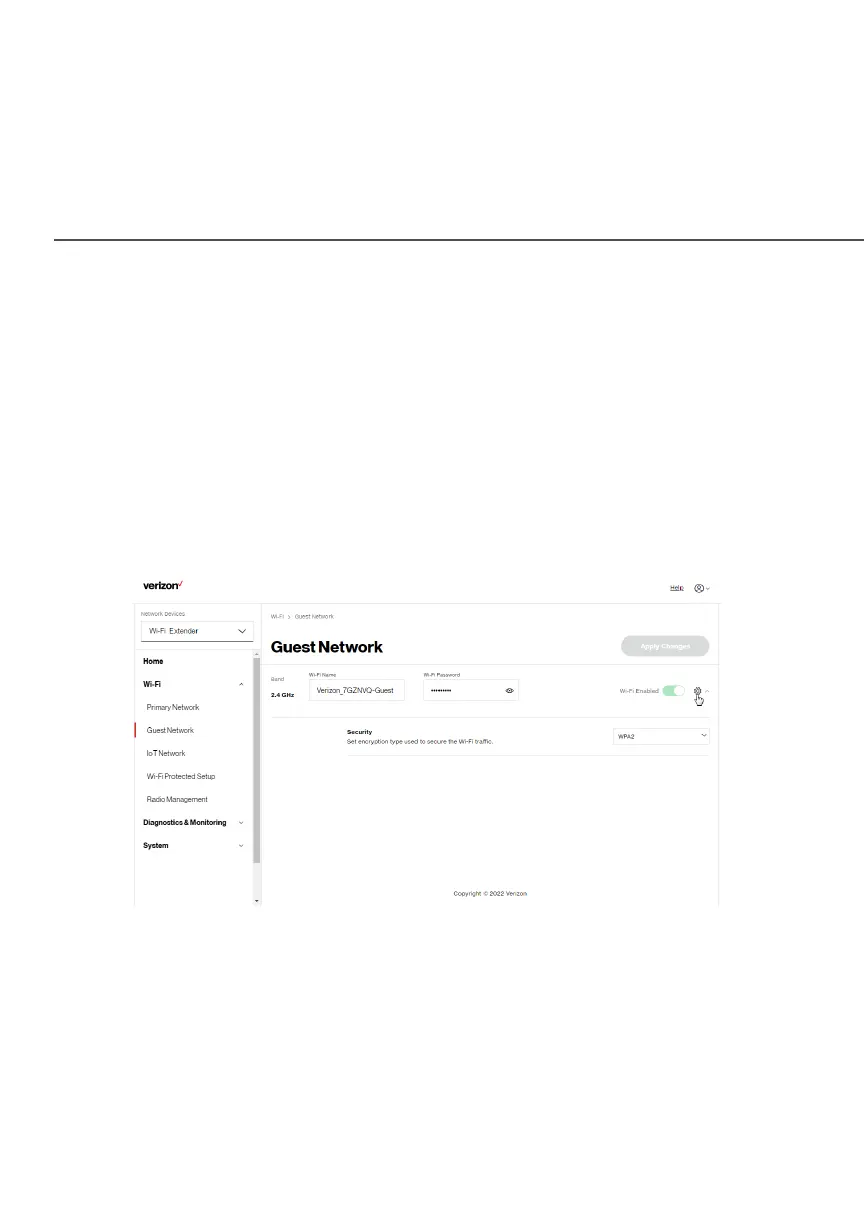
To view Guest Network settings:
Select Wi-FiWi-Fi from the left pane and then click Guest Network Guest Network.



 To Next Page